The 3D tour is now faster and sharper: we're upgrading the engine
Over the past months, much of our work has gone into a part you don't see in any feature list: the very foundation the 3D tour runs on. We rebuilt it and keep improving it. The result is visible right away and easy to describe without a single technical term: tours open faster, moving between viewpoints feels smoother, and the picture is sharper.
We are moving tours to the upgraded engine step by step, checking each project along the way. Links, QR codes and embed codes stay the same: your client keeps the same address, the tour simply works better.
Tours open faster
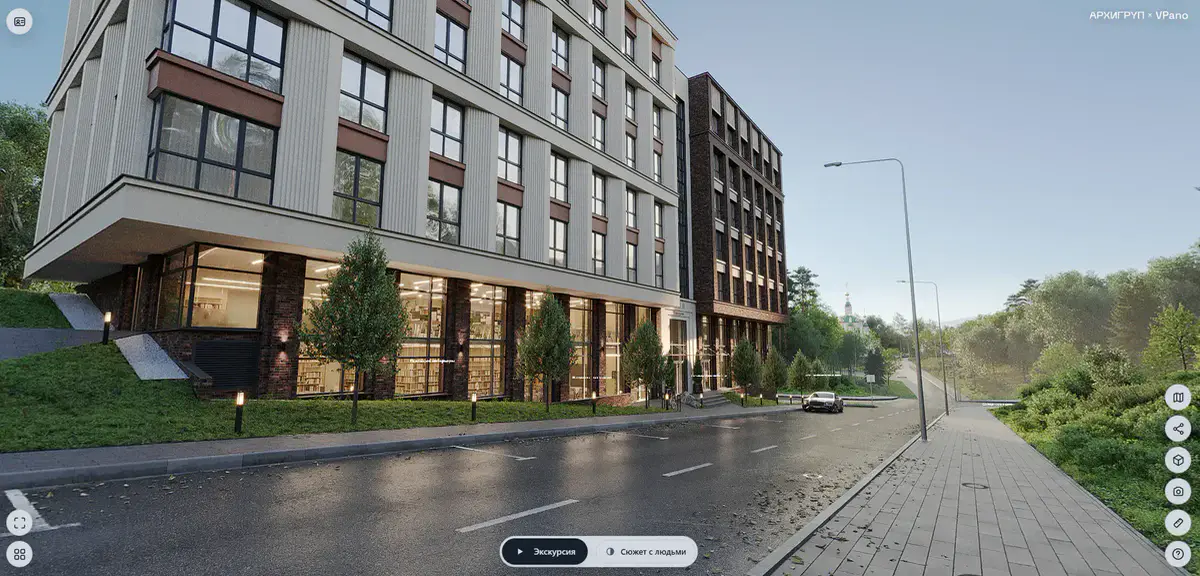
The first image appears sooner, and people are inside the property almost immediately after clicking the link, like this one: Diplomat project tour. This matters more than it seems: tours are most often opened on a phone, from a listing or a messenger, and the decision to keep watching or close is made in the first few seconds. The less empty waiting, the more people actually reach the apartment.
A sharper picture, especially on a large screen
We have noticeably improved sharpness. The difference is easiest to see on a monitor or a TV in a meeting room: small interior details such as tile texture, parquet pattern and the view from the window are legible instead of blurred. When presenting a project to a client or buyer, that is often the detail that decides.
Not just for expensive phones
We worked specifically on less powerful devices. A tour should open properly on the phone people already have, not only on the latest flagship. On affordable devices, tours now start and rotate smoothly, without stutter, and those are exactly the devices most visitors from ad links are using.
The whole property at a glance, then straight into the right room
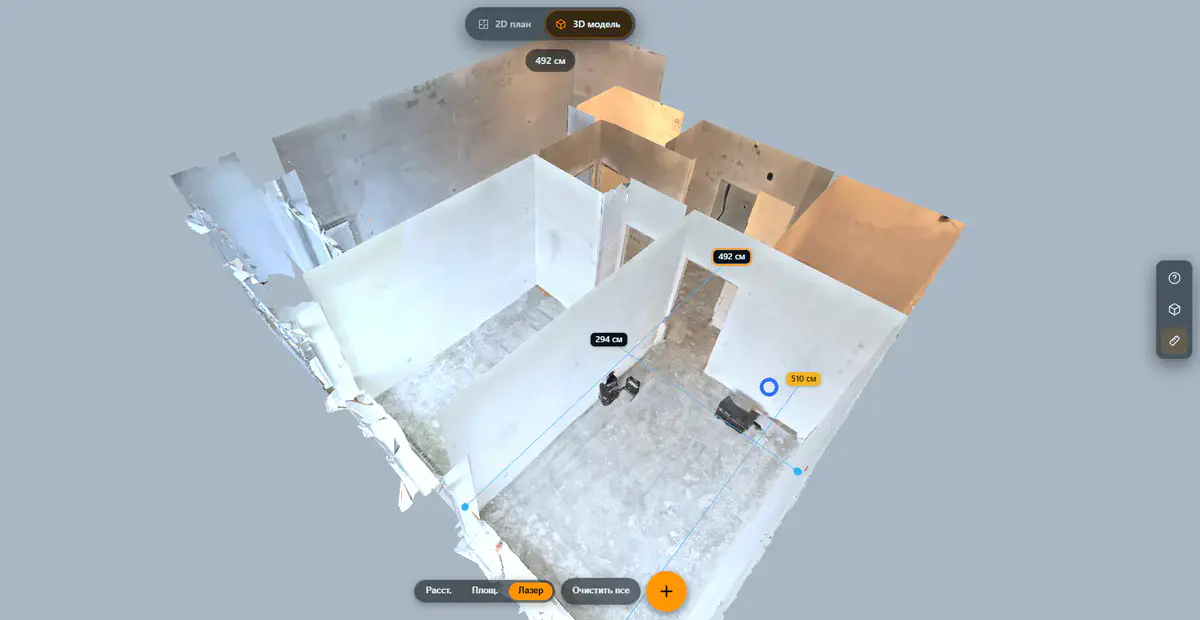
The 3D tour has an exterior view of the model: the property is shown from outside, as a whole, and you can rotate it, study the layout and understand how the rooms connect. From there, visitors jump to any viewpoint inside with a single click. For multi-story properties this is the clearest way to show the structure: first the whole, then the detail.
Tools stay at hand
- Measurements in the tour. If you enable them, visitors can measure a wall, a doorway or the distance to a window themselves, and "will my sofa fit here?" gets answered without a call to the sales team.
- Floor selection. Switch between levels with a dedicated button.
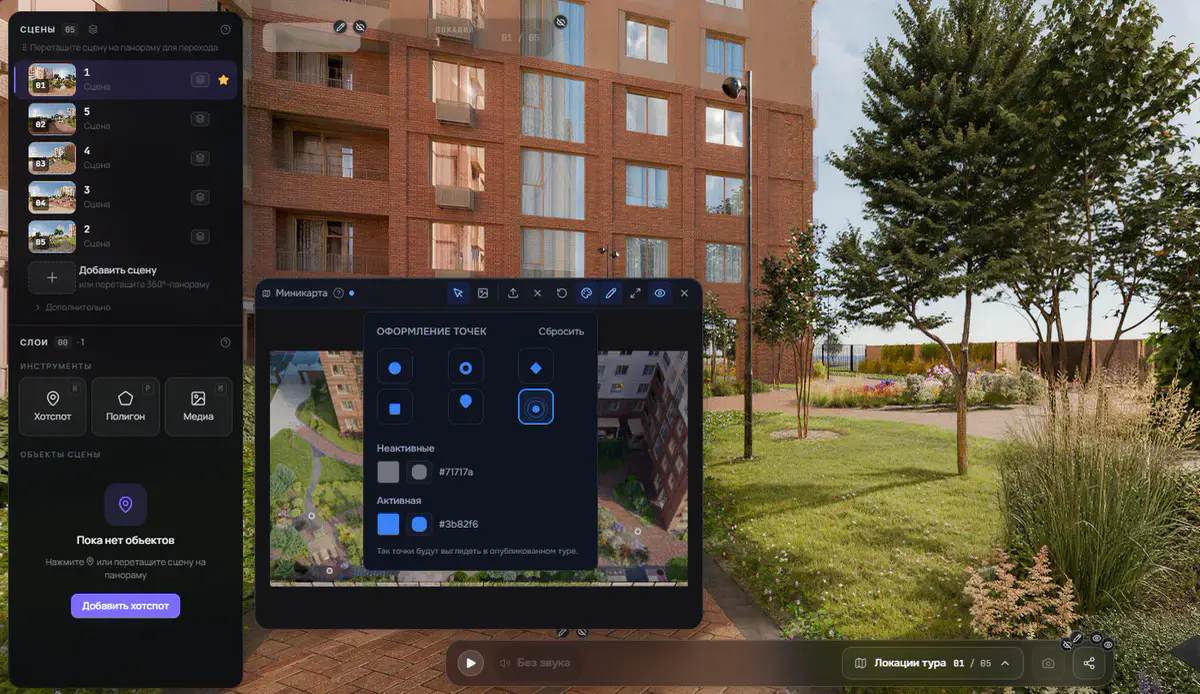
- Mini-map. Shows which viewpoint you are at and where you are looking.
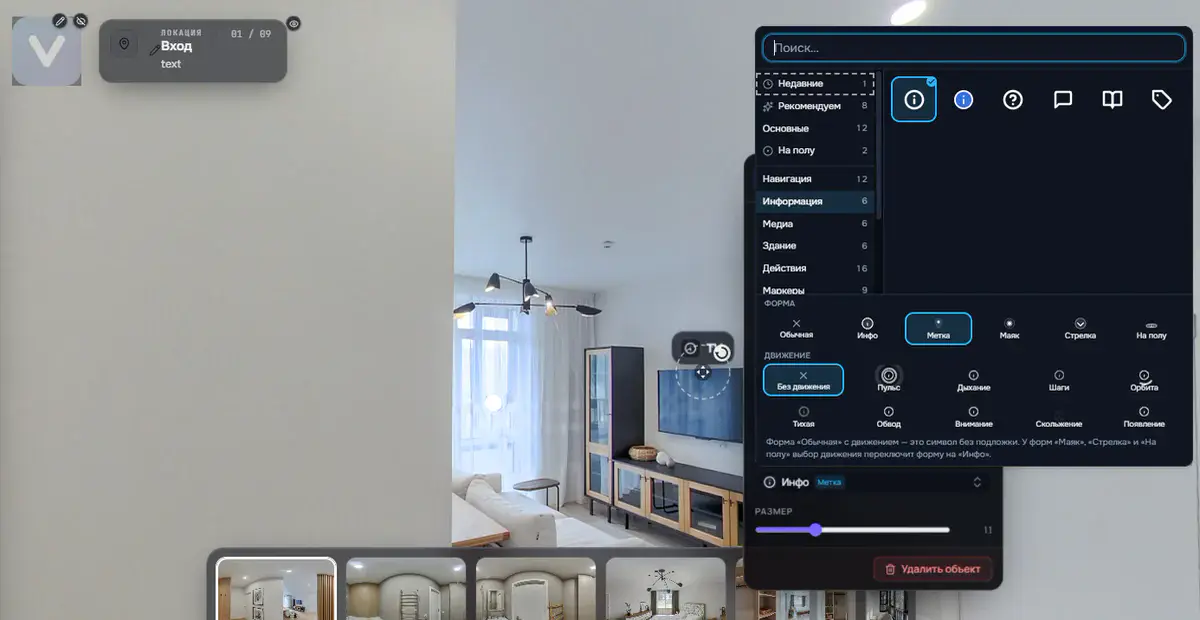
- Hotspots with photos, video and descriptions. Finishes, specifications, purchase terms: right in the room they relate to.
The easiest way to see how it looks is a finished project such as the tour above. If you want to build a tour like this for your own property, create an account and upload your model.
Try it with your own project
Create a free account and build your first tour — paid plans are set up on request.
Create a free account →