360 virtual tour: link your panoramas into a tour in minutes
Upload your 360° panoramas, connect them with hotspots and share the tour by link. No 3D model needed: the quickest way to show a finished space.
The simpler kind of virtual tour
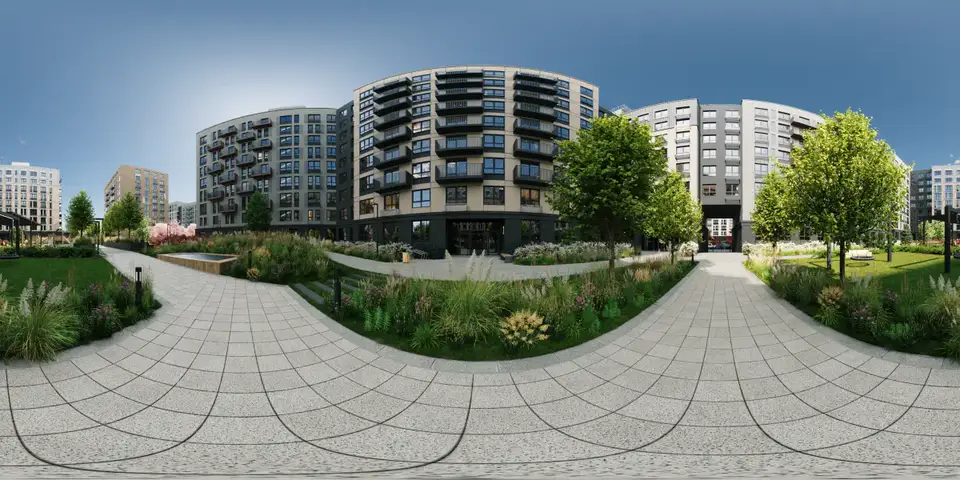
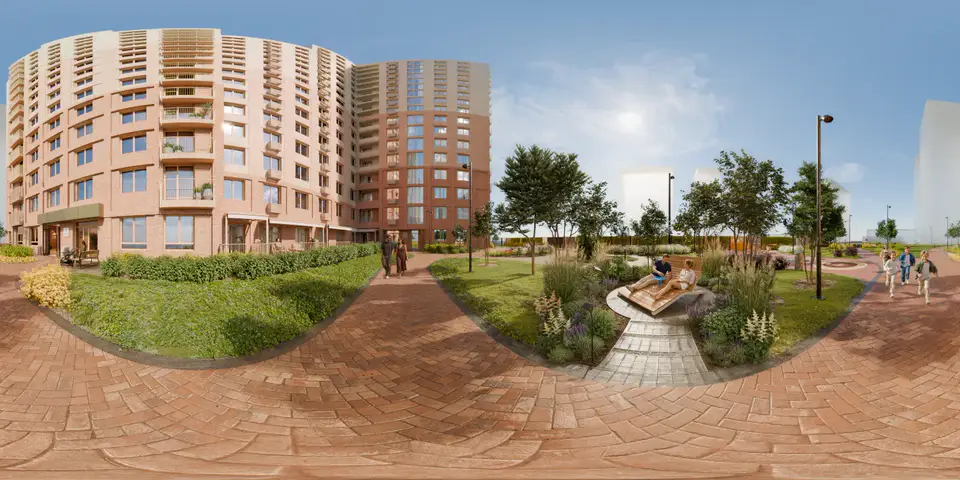
A 360° panorama tour is a set of panoramas linked by hotspots. The visitor looks around at each point and clicks to go to the next one. There is no 3D model behind it, which makes it fast to build: a 360° camera or rendered panoramas are all you need.
VPano turns a set of 360° panoramas into a virtual tour that opens in any web browser, on phones, tablets and computers. It is the right choice for a finished apartment, an operating hotel, a showroom or an exhibition.
Upload the panoramas you already have
- Spherical panoramas in the usual 2:1 format, from a 360° camera or a renderer.
- Cubemaps as a cross layout, one file in 4:3, for example from PTGui or Hugin.
- Six separate cube faces, for example from Insta360 Studio.
Cubemaps are converted automatically on upload. Details in Upload cubemap panoramas.
Build the tour in the editor
- Hotspots in two or three clicks. Double-click a spot in the panorama and choose navigation, information or a link. See Creating hotspots.
- Automatic way back. When you link one scene to another, the editor offers to create the return transition.
- Icon library. 75 icons, with shape and motion set separately. See Icon library.
- Minimap and floors. A floor plan per floor, a floor switcher in the tour and minimap markers in your colors. See Minimap markers.
- Scene variants. A second panorama for the same point, such as day and night or furnished and empty. See Scene variants.
Your brand, your clients' language
Choose a theme for the player, add your logo and a business card with your contact details. A guided tour button takes visitors through all panoramas in order. The tour interface is available in English, German and Russian. VPano lets you share a 360° panorama tour as a link, embed it on your website or, on request, get it as a ZIP for your own server for a one-time USD 250 per tour (an active plan is still required). More in Self-host a virtual tour with ZIP export.
When a 3D tour is the better choice
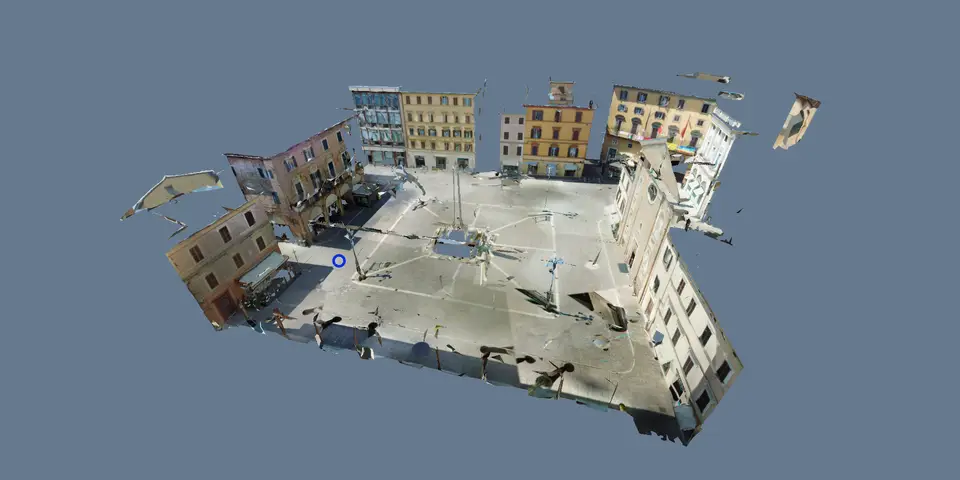
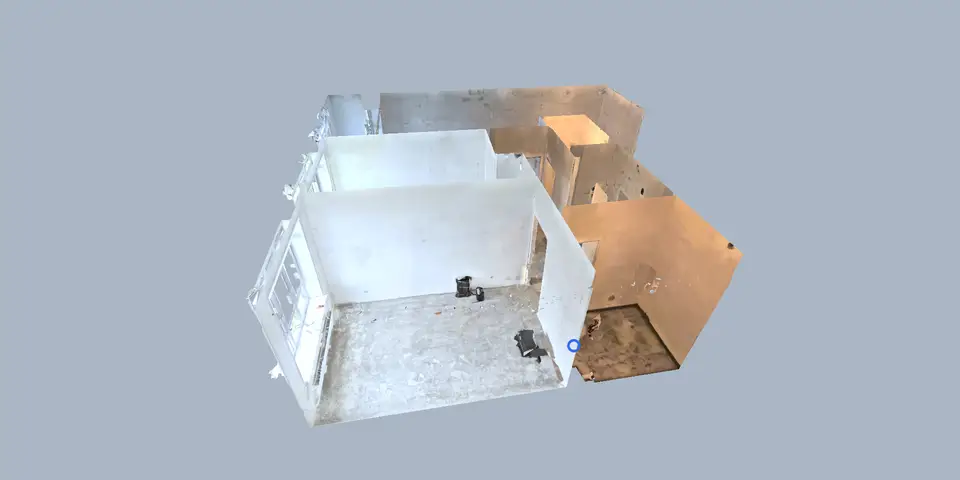
A panorama tour has no 3D model, so there are no transitions along the geometry, no view of the building from outside and no measuring in 3D. Moving to another point simply opens the next panorama. If you want to convey depth, scale and how rooms connect, choose a 3D tour. If you have a laser scan, see E57 to 3D tour.
Questions
What do I need to create a 360 virtual tour?
Panoramas from a 360° camera, from stitching software or from a renderer, and a VPano account. You upload them, connect them with hotspots and share the link.
Can I upload cubemap panoramas?
Yes. Upload a cross layout as one file or six separate faces, and VPano converts them automatically.
Can visitors measure in a 360° panorama tour?
No. Measuring works on a 3D model, so it is available in 3D tours, not in panorama tours.
What does it cost?
You can start with a free account. Paid plans start from $99 per month with 3 tours included, set up on request and billed by invoice.
Create your first panorama tour
Sign up, upload a few panoramas and connect them with hotspots. Your first tour can be ready in minutes.
Create a free account →