Scene variants: day and night, furnished and empty, in one tour
VPano now supports scene variants: a second panorama for the same capture point. A tour visitor presses one button and the image changes smoothly: day turns into night, an empty room becomes furnished. There is no jump to another scene; the viewpoint stays exactly where it was.
Why you need it
Until now, a second shoot had to be published as a separate tour, and the client received two links. Comparing them was awkward: people opened the second tour, started from the beginning and lost the spot they had just been looking at. Now both states live in one tour, and the link, QR code and embed code stay the same.
The most common uses:
- Furnished / empty. For developers and real estate agents this is usually the strongest argument: buyers see both the honest bare layout and how the apartment looks once lived in.
- Day / night. Evening light, facade lighting, the view from the window after dark: often the very reason people buy on upper floors.
- Finish options. Basic versus full finish, two color schemes, two design concepts for the same room: an easy way to show a client the choice without putting together a presentation.
What visitors see
The button appears at the top of the screen, next to the floor switcher, and carries the label you gave it in the editor, for example Night or Furnished. In scenes without a second shoot there is simply no button: visitors never see anything grayed out or inactive.
When switching, the viewing direction and zoom are kept, so the eye reads it as a change of light or furnishing rather than a jump to another room. The choice is remembered as visitors move on: if the next scene also has a variant, the tour stays "at night" or "furnished".
Tours don't get slower
The second panorama loads only after the button is clicked. If a visitor never switches, not a single extra file is downloaded, and the initial loading speed of the tour is unchanged. This matters for ad links and mobile connections: adding a variant costs nothing for visitors who don't use it.
Good to know
- A variant is a full panorama: it uses the same storage and traffic as a regular scene.
- For now you can add one variant per scene; three or more states of the same point are not possible.
- The 3D tour and the exterior view of the model show the base shoot and do not switch with the variant. That is why furniture and finishes work best today, while a dramatic day-to-night change will visibly differ from the 3D mode.
A tip from practice
Shoot both panoramas from the same point and at the same tripod height. Even a shift of 20–30 cm is visible immediately: the image "jumps" when switching, and instead of a change of light the viewer notices a mistake. With renderings it's even easier: just render the second panorama with the same camera, changing only the lighting or furnishing.
How to turn it on
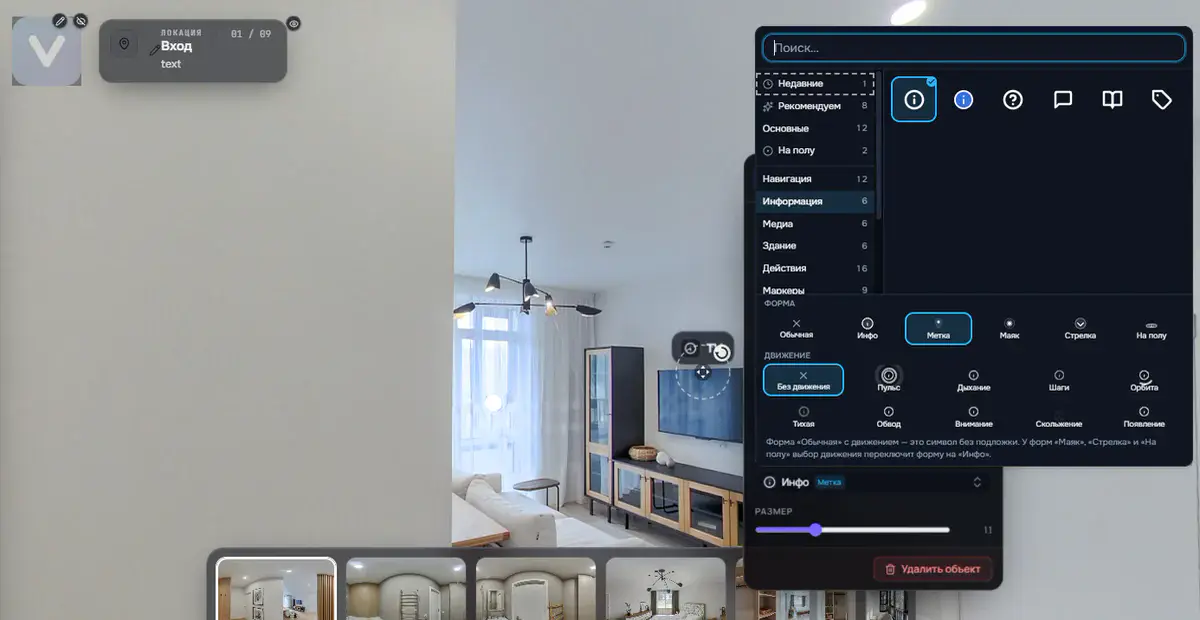
Open the panorama editor, click the layers icon in the row of the scene you want and upload the second shoot, or pick a panorama that is already in the tour. Then set the button label and publish the project.
Try it now: add an evening shot to one scene and send the link to your client. Sign in or create an account.
Try it with your own project
Create a free account and build your first tour — paid plans are set up on request.
Create a free account →