3D virtual tours with smooth transitions between viewpoints
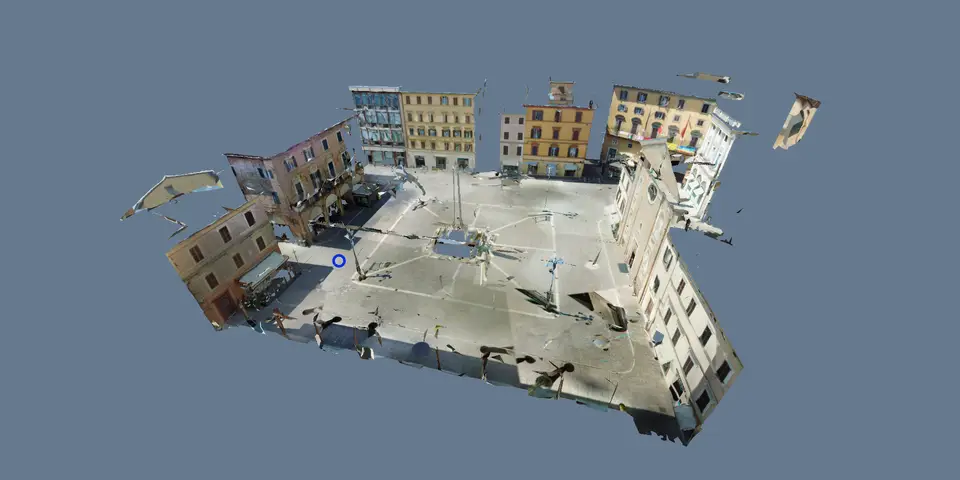
A 3D tour in VPano combines a 3D model of the space with panoramas at each viewpoint. Visitors move from viewpoint to viewpoint along the 3D geometry, turn the model from outside and open everything with a link.
What makes a 3D tour different
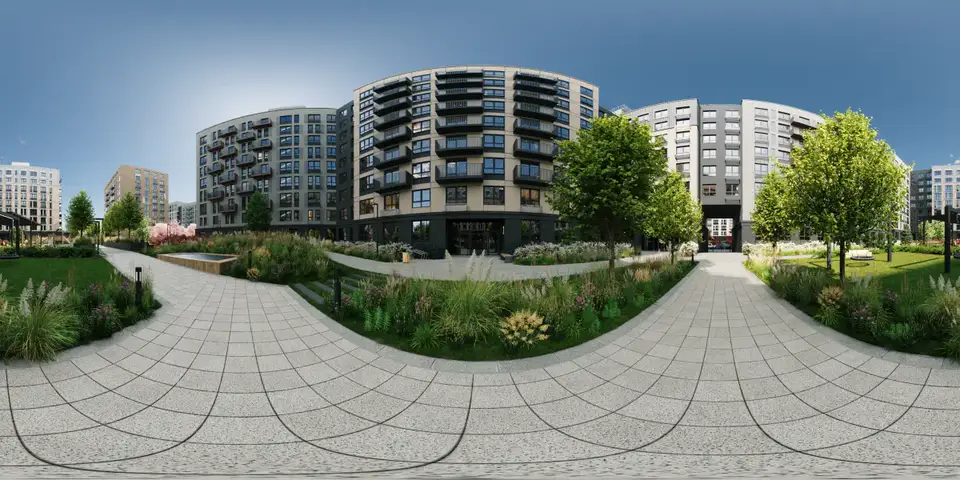
A classic panorama tour is a set of 360° images: the visitor jumps from one point to the next. A 3D tour adds a 3D model of the space underneath the panoramas. That gives the space real depth and a clear sense of how the rooms connect.
VPano turns a 3D model and panoramas into a 3D tour that opens in any web browser, with smooth transitions between viewpoints that follow the 3D geometry. Our guide 3D tour vs. panorama tour explains the difference in detail.
What visitors can do in a 3D walkthrough
- Viewpoints with smooth transitions. Look around at each viewpoint and move to the next one along the 3D geometry, without abrupt jumps.
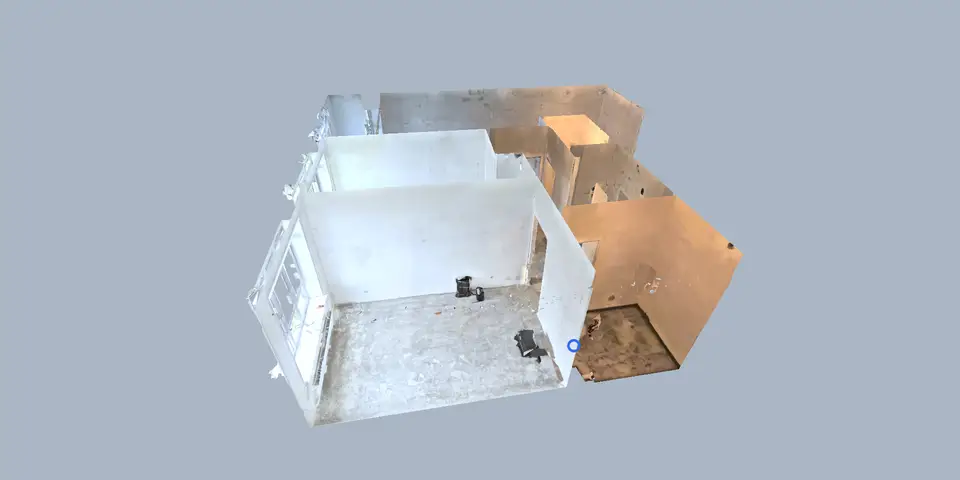
- Dollhouse view. Turn the 3D model and see the whole property from outside, then go straight to a viewpoint inside.
- 2D plan. Switch to the plan to understand the layout.
- Floors and minimap. Always clear where you are, even in multi-storey buildings.
- Measurements. Distances, areas and a laser distance meter in the browser, if you add the measure button to the tour.
- Guided tour. One click starts an automatic route through the viewpoints.
Read more in Floors in 360° and 3D tours and Automatic guided tours.
Three ways to create a 3D tour
From a laser scan. Upload an E57 file with panoramas from Leica Cyclone REGISTER 360, and VPano places a viewpoint at every scanner position. Details on the E57 to 3D tour page.
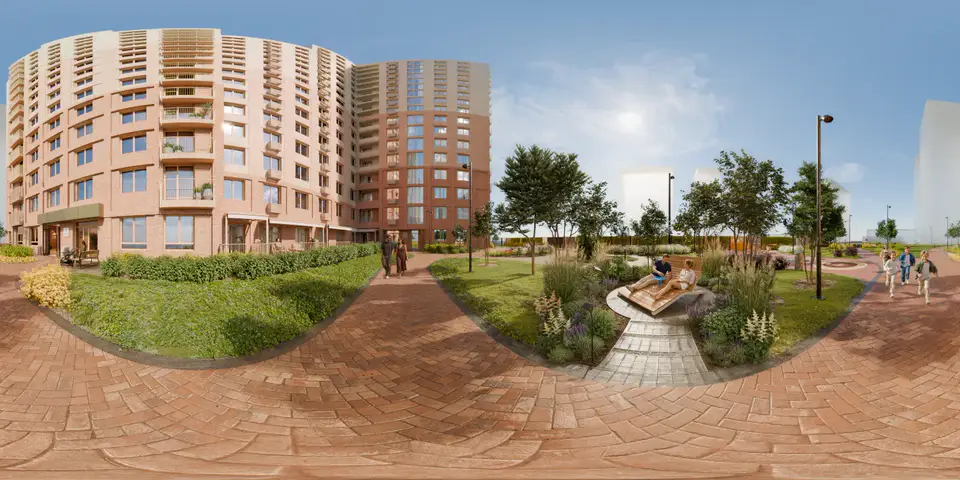
From Cinema 4D or 3ds Max. Name your cameras pano_1, pano_2 and so on, render a spherical panorama for each, and the plugin uploads the model, camera positions and panoramas to VPano as one tour. See the Cinema 4D plugin and the 3ds Max plugin, or the whole workflow on the archviz virtual tour page.
From your own 3D model. Export the scene as FBX or GLB/GLTF and add panoramas rendered from the chosen positions.
Who uses 3D tours
- Real estate developers and agents show a property before a viewing, or sell a new building before completion using the architect's model and renders.
- Archviz studios and interior designers present a design as an interactive tour from their renders instead of a set of still images.
- Surveying firms hand over a scan as a tour their client opens with a link.
Sharing and presentation
Share a 3D tour as a link, embed it on your website or, on request, get it as a ZIP for your own server for a one-time USD 250 per tour (an active plan is still required). Present it under your own brand, with hotspots for photos, video and descriptions. The tour interface is available in English, German and Russian. VPano turns finished 3D tours into links that work on phones, tablets and computers, with nothing for your client to install.
Need only panoramas, without a 3D model? A 360° panorama tour is faster to build.
Questions
Is a 3D tour the same as a real-time 3D scene?
No. In a VPano 3D tour, the image at each viewpoint is a panorama, and the 3D model provides depth, transitions and the view from outside. Visitors move between viewpoints rather than rendering the scene in real time.
Which 3D formats can I upload?
E57 scans with panoramas from Leica Cyclone REGISTER 360, scenes from the Cinema 4D and 3ds Max plugins, and 3D models as FBX or GLB/GLTF together with rendered panoramas.
Can visitors measure in a tour built from renders?
Yes. Measurements work on the 3D model once its scale has been confirmed. You decide whether visitors see the measure button.
What does it cost?
You can start with a free account. Paid plans start from $99 per month with 3 tours included, set up on request and billed by invoice.
Build your first 3D tour
Create a free account, upload a scene or install the plugin for Cinema 4D or 3ds Max, and see your project as a 3D tour.
Create a free account →