3D tour vs. panorama tour: what is the difference?
"Virtual tour", "3D tour", "walkthrough": in real estate and archviz marketing these words often stand for completely different products. A buyer who clicks on a "3D tour of the apartment" may get a set of 360° photos, a real-time scene that stutters on their laptop, or a tour built on real 3D geometry with a genuine sense of depth.
The difference matters a lot for conversion. In this article we look at the categories of virtual tour, how they differ and where each one works best.
Three categories of virtual tour
1. Panorama tour
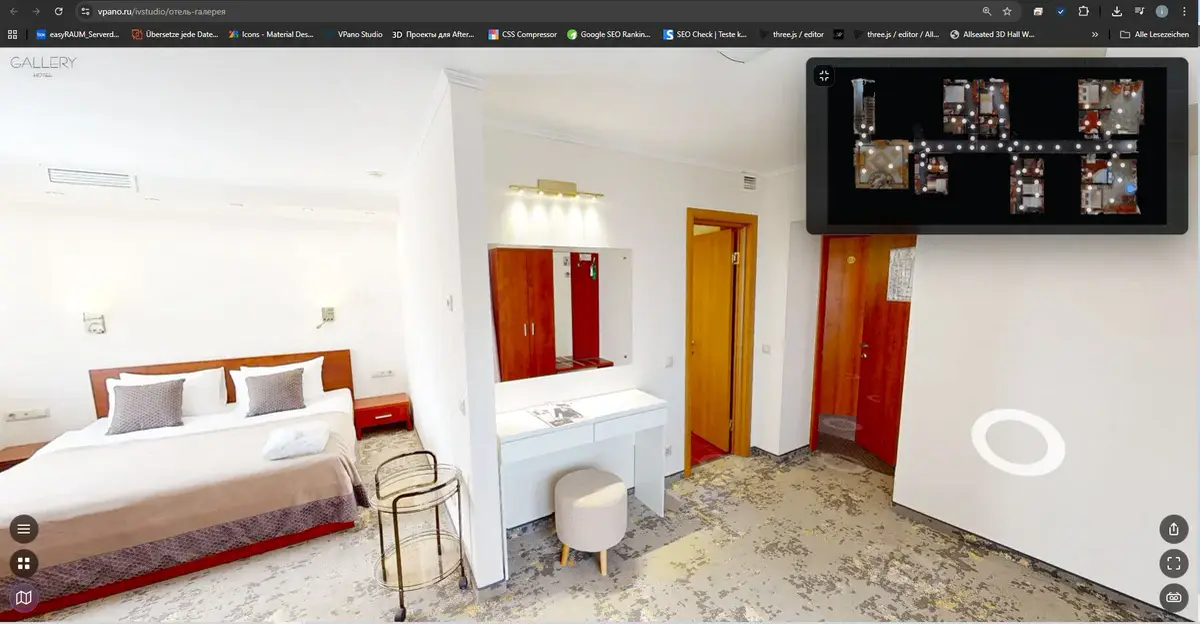
The classic. You shoot several points in a room with a 360° camera, and the platform links them with transition buttons. The viewer stands at one point, turns the view and, after clicking an arrow, jumps to the next point.
Strengths:
- Shows the real space.
- High quality at every viewpoint, because each one is a photograph.
- Easy to produce: all you need is a 360° camera.
Limitations:
- No sense of continuous space. Transitions are abrupt, "room to room".
- No depth: each panorama is a flat sphere around the viewpoint.
- Not suitable for buildings that do not exist yet: there has to be something physical to photograph.
Best for: quickly showing a finished property, such as a completed apartment, an operating hotel or a museum exhibition.
2. Real-time 3D scene
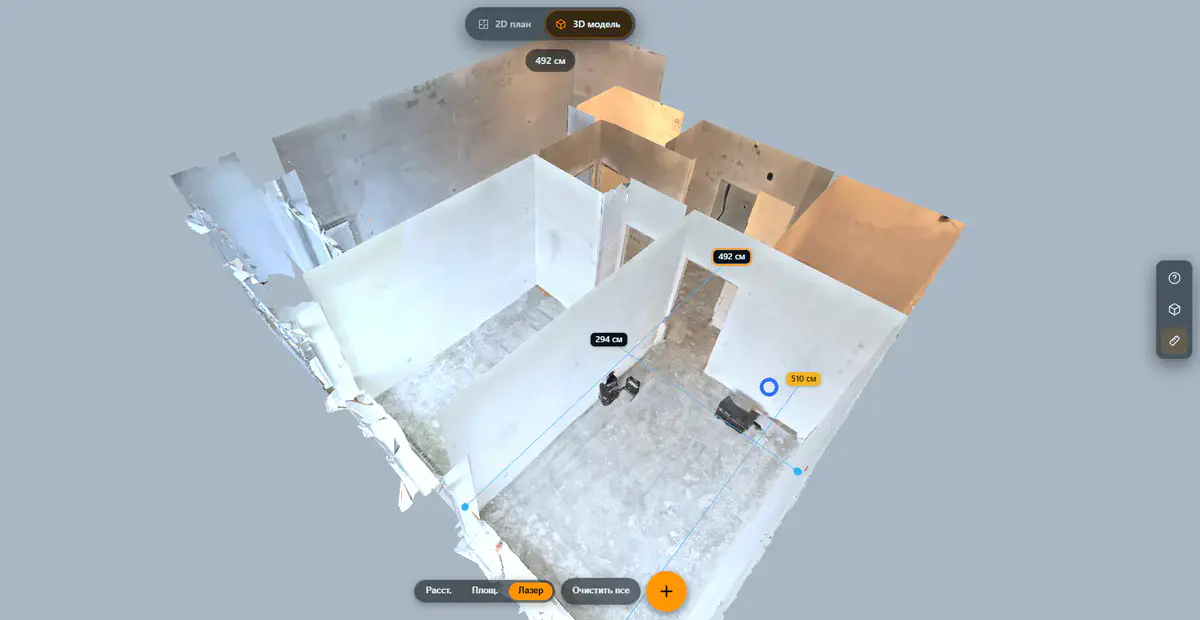
The opposite end of the scale. The entire 3D model is loaded into the browser and rendered in real time; the viewer navigates the scene directly and can look at it from any angle.
Strengths:
- Navigation through the whole scene in real time.
- Any position, any viewing angle.
- Works for buildings that have not been built yet.
Limitations:
- Image quality depends on the viewer's graphics card and on how well the model is optimized. A high-end V-Ray render from 3ds Max cannot be reproduced in real time.
- Browser shaders simplify materials and lighting compared with final renders.
- Models have to be heavily optimized so that they do not stutter for half the audience.
Best for: architectural demos where the overall spatial idea matters more than photorealism.
3. 3D tour with photorealistic panoramas
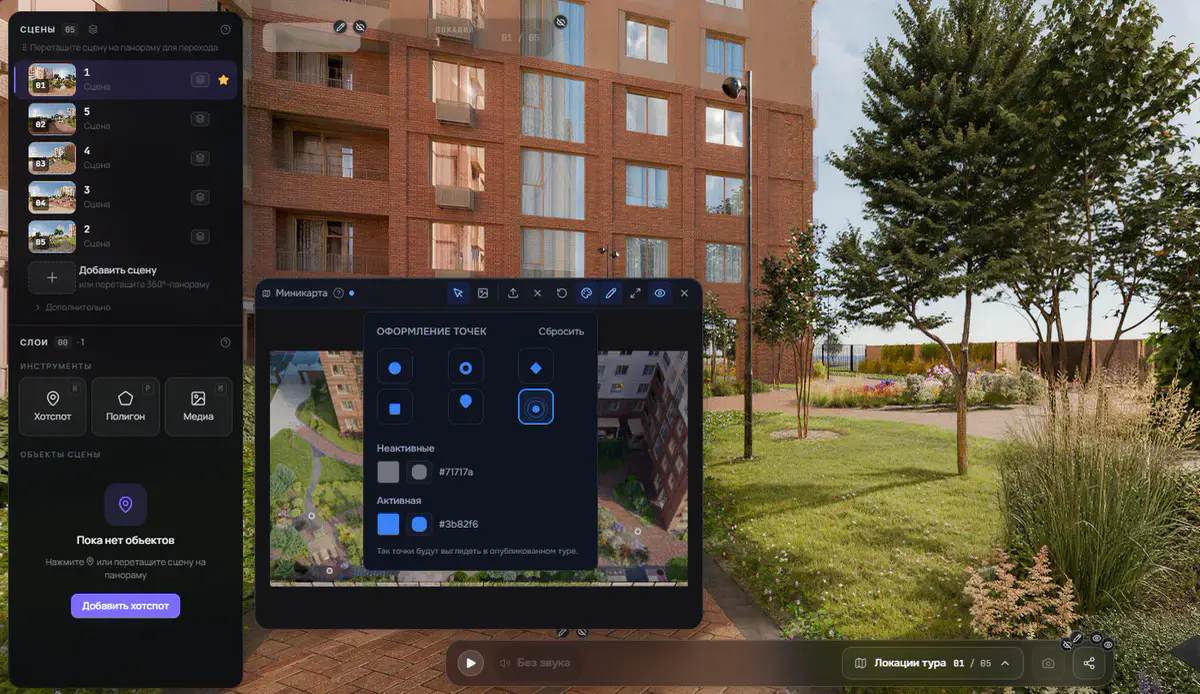
A hybrid. At its core is a real 3D model with geometry, which is why the space has genuine depth. But the image at each viewpoint is not rendered in real time: it is a pre-rendered photorealistic 360° frame from an archviz renderer such as V-Ray, Corona or Cycles, projected onto the geometry.
The viewer moves from viewpoint to viewpoint with a smooth transition through the 3D geometry, can switch to an exterior view of the model, change floors and use the minimap, while seeing final studio-render quality throughout.
Strengths:
- A sense of continuous space thanks to smooth transitions between viewpoints.
- Photorealistic quality at every viewpoint.
- Works for buildings that do not exist yet, straight from the architect's 3D model.
- Needs neither a 360° camera nor a scanner.
Limitations:
- No spontaneous camera positions: every viewpoint has to be rendered in advance.
- Not intended for cases where literally every centimeter needs its own viewpoint.
Best for: selling new developments before completion, presenting interior design projects before renovation, archviz studios working with clients, and hotels and restaurants that put visuals first.
Why this matters for sales
When a property buyer opens a "virtual tour", they decide one thing in the first five seconds: do I trust this or not?
A panorama tour is convincing when the property is finished and can simply be photographed. If you are selling a completed apartment, it is enough.
A 3D tour with photorealistic panoramas solves three problems that a panorama tour cannot:
- Selling before construction. When the building is still a hole in the ground, there is nothing to photograph for a panorama tour. The architect's 3D model plus renders, however, gives you a 3D tour long before handover.
- A sense of scale. The client gets a feel for how big the kitchen is, how high the ceilings are, how far it is from the window to the door. A flat panorama cannot do this, because it has no depth.
- Showing a design before renovation. An interior designer presents the final result as an interactive 3D tour instead of static JPGs. That is a different level of persuasiveness.
In practice, a 3D tour can mean that prospects arrive at a viewing already well informed, which tends to make sales conversations more focused.
Choosing the right format
- Finished apartment, needs to be shot quickly → 360° panorama tour.
- New development before completion → 3D tour from renders.
- Interior design project → 3D tour from renders.
- Hotel, restaurant, exhibition → existing spaces: 360°; new spaces: 3D tour.
- Archviz studio presenting to a client → 3D tour from renders.
- Museum exhibition → 360° or a combination of formats.
A good platform lets you create both types in one tool, without switching between services.
Also important: control over the result
One less obvious factor when choosing a platform is the ability to export the finished tour. Many services keep the tour on their own servers: when the subscription ends, the link dies.
A good alternative is being able to download the tour as a ZIP archive and host it on your own server, a corporate intranet or even an offline kiosk at a trade fair (on request, a one-time USD 250 per tour; an active plan is required). This matters especially for developers, archviz studios and corporate clients who do not want to depend on an external service. More in our article on ZIP export.
Summary
- Panorama tour: simple and fast, for finished properties.
- Real-time 3D: full real-time navigation, with compromises in image quality.
- 3D tour with photorealistic panoramas (photoreal images plus geometry): for selling what is not built yet, for archviz, for maximum persuasiveness.
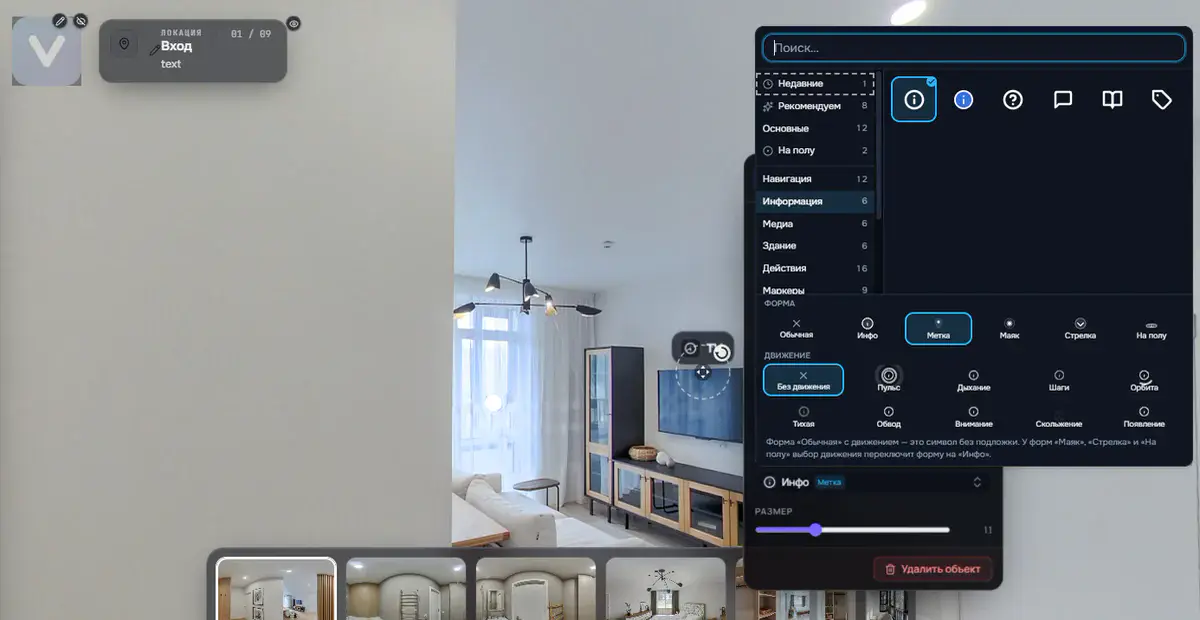
If you sell new developments, work in interior design or run an archviz studio, the third format is the one you need. VPano lets you build these tours from your renders: with plugins for 3ds Max and Cinema 4D, or from any 3D software that exports FBX or GLB. No scanner or special camera required.
Try it with your own project
Create a free account and build your first tour — paid plans are set up on request.
Create a free account →