News & product updates
What is new in VPano: product updates, guides and projects built with 3D tours.
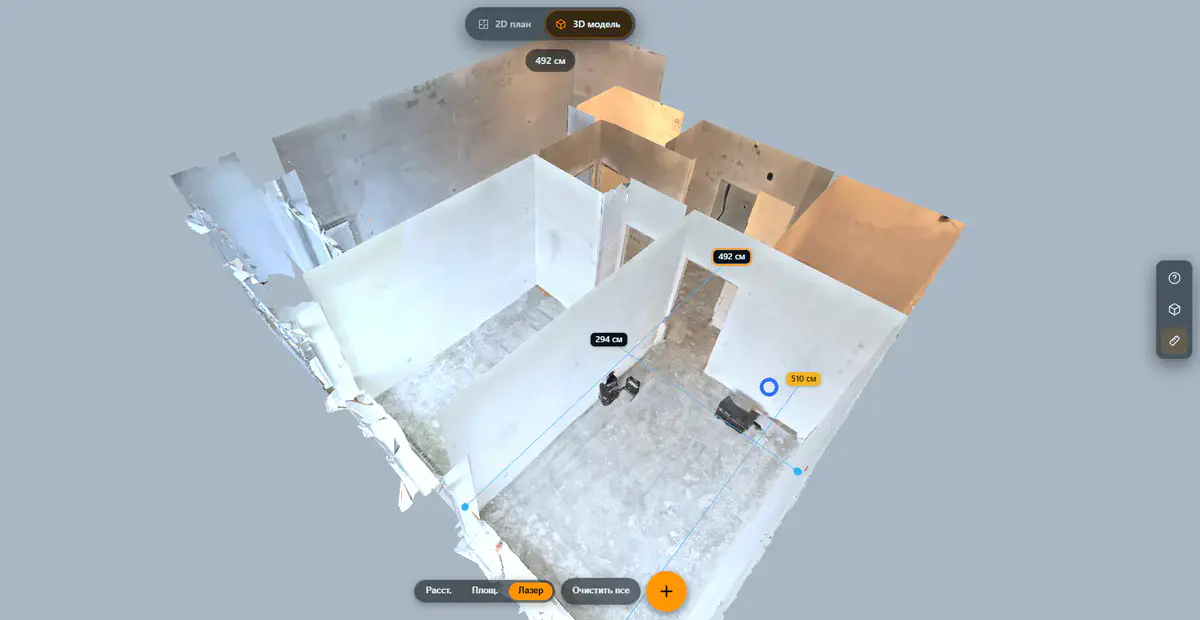
The E57 format: what it is and how to open an E57 file
E57 files usually come from surveyors or laser scanning firms and won't open with a double-click. What the format stores, which programs read it and how to share a scan as a browser tour.
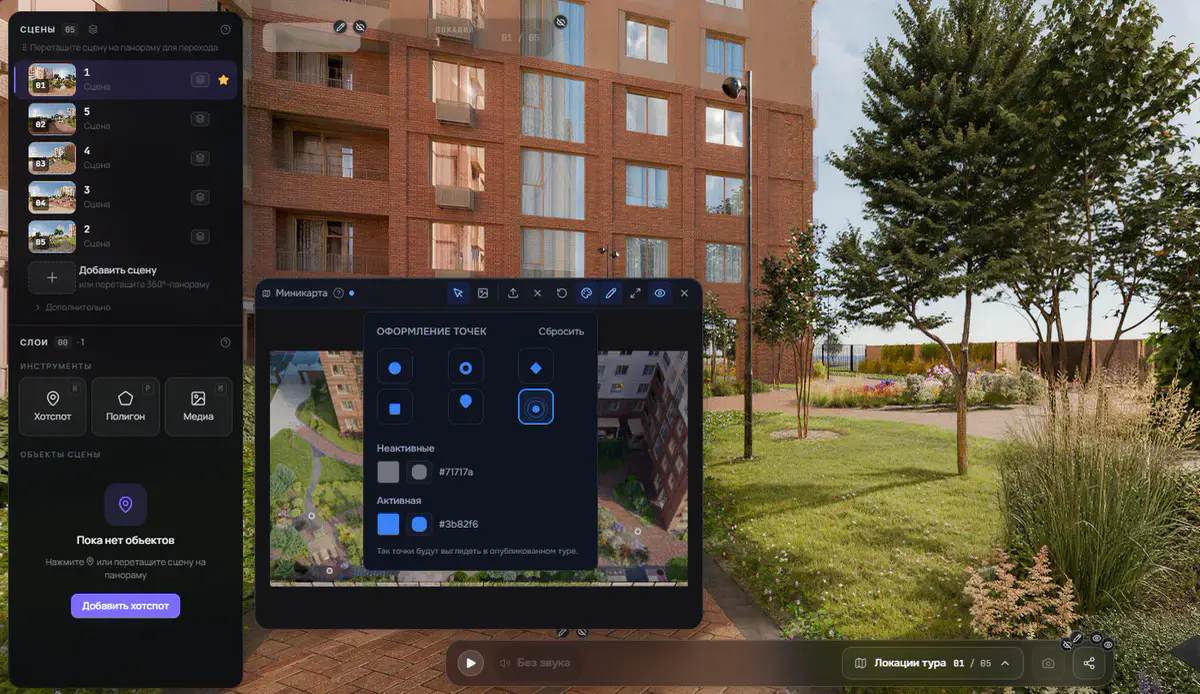
Minimap markers in your tour's colors, plus an automatic way back
Two editor updates for larger 360° tours: minimap markers styled per tour with six shapes and two colors, and a prompt that creates the way back whenever you link two scenes.
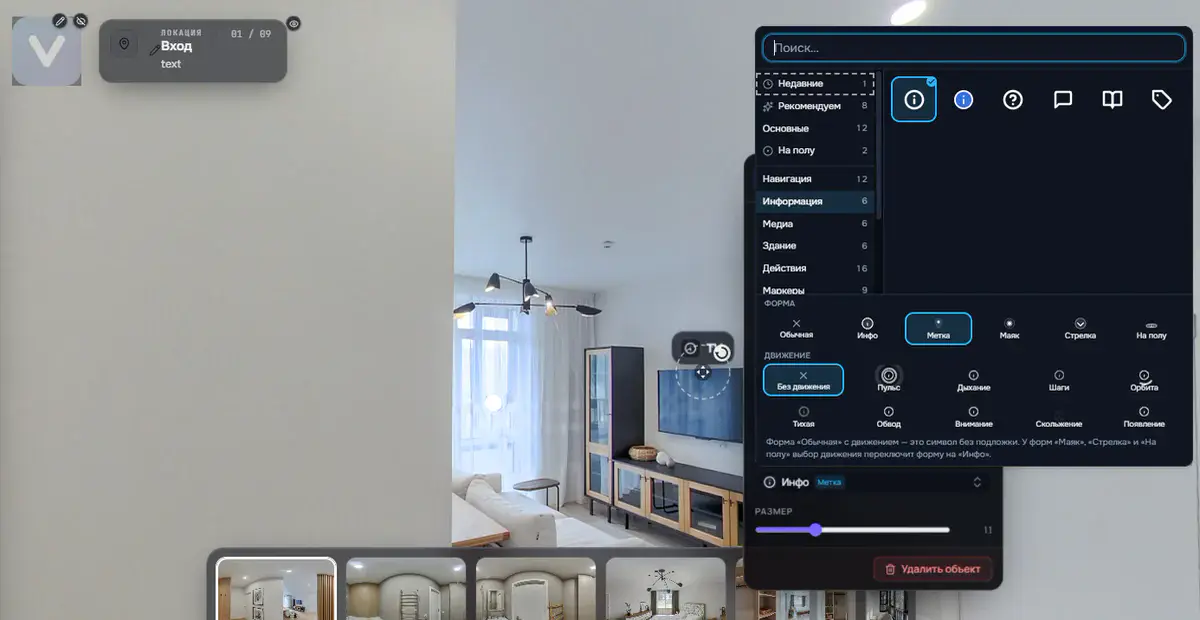
Icon library for tour hotspots: 75 icons, with shape and motion set separately
Instead of a few standard markers, the editor now offers 75 icons in eight categories drawn in one style, a search that understands synonyms, and shape and motion as two independent settings.
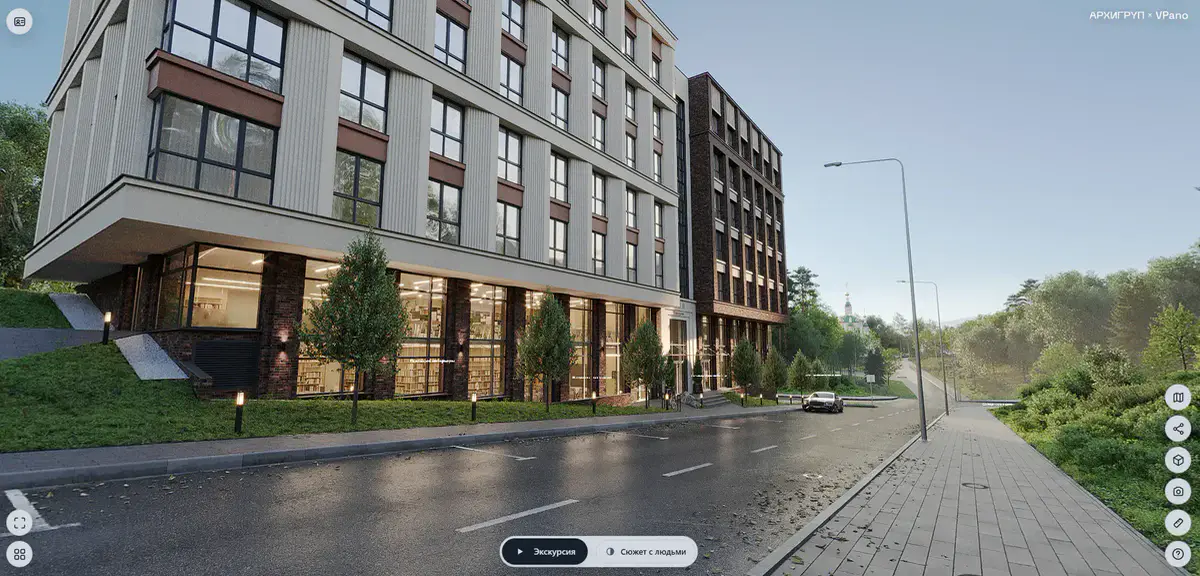
The 3D tour is now faster and sharper: we're upgrading the engine
Tours open faster, transitions between viewpoints are smooth, the picture is sharper on large screens and runs steadily on budget phones. We are moving 3D tours to the upgraded engine step by step.
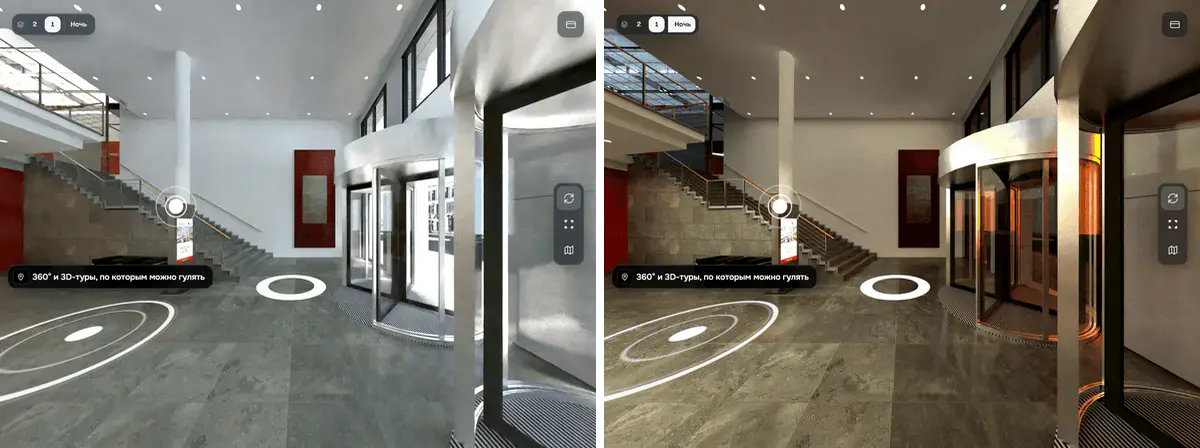
Scene variants: day and night, furnished and empty, in one tour
Any point in a 360° tour can now have a second panorama. Visitors switch between day and night, furnished and empty, or finish options with one button, without losing their viewing direction.
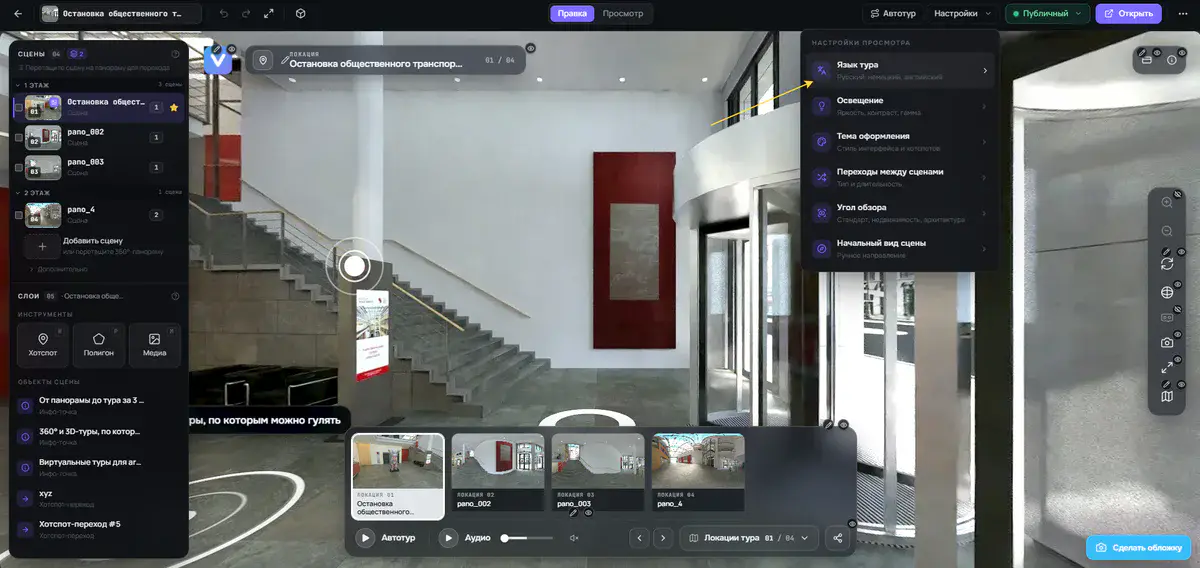
Your tour in your client's language: English, German or Russian
You decide which language the tour player speaks: English, German or Russian. One setting for 360° and 3D tours, plus links that open the same tour in another language.
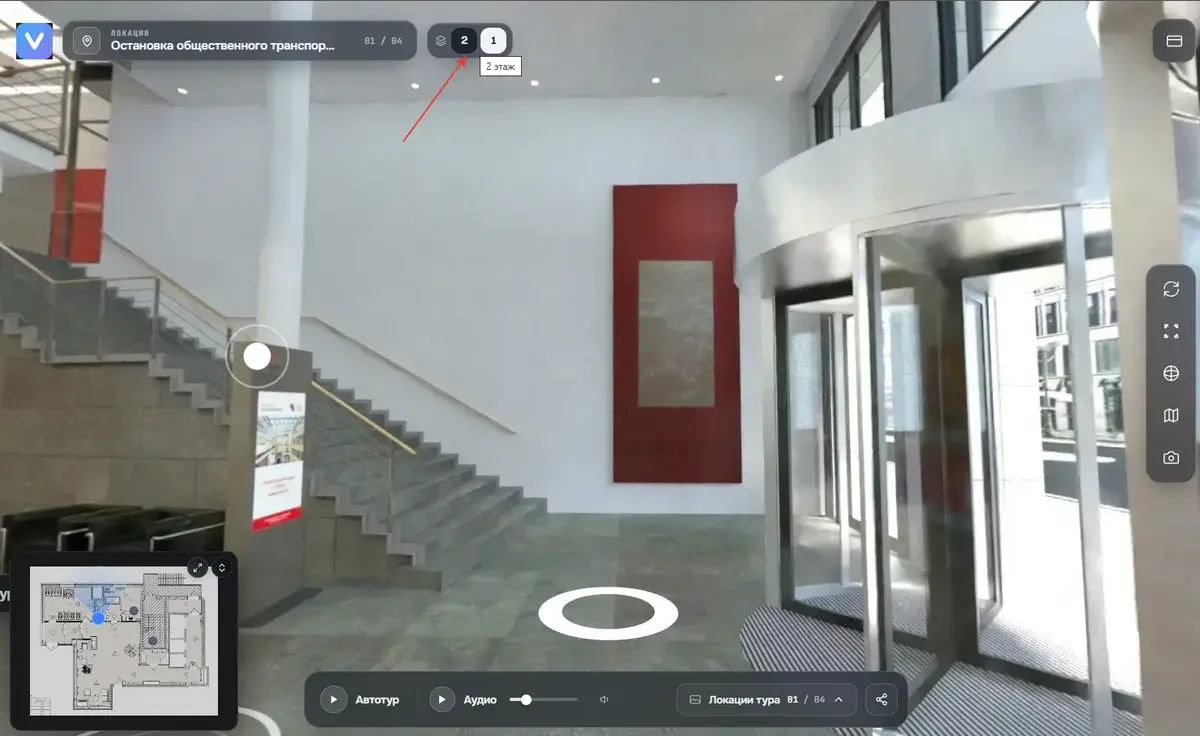
Floors now in both tour types: 360° and 3D
Multi-storey properties no longer become one long list of scenes. Assign scenes to floors, add a plan per floor, and visitors switch floors right in the tour, in 360° and 3D.
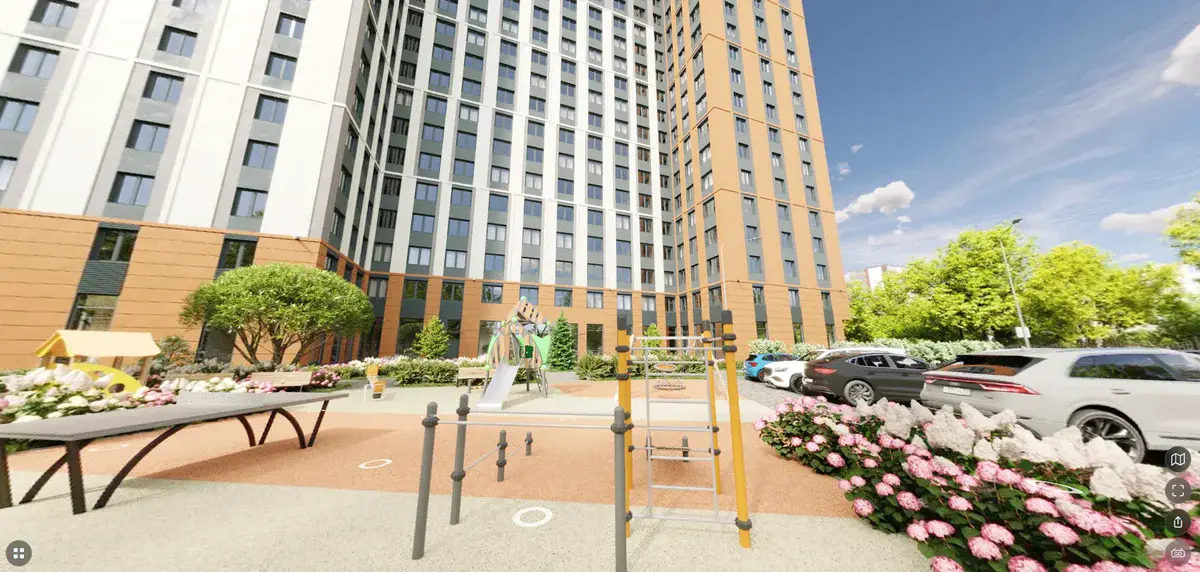
ARCHIGROUP × Diplomat: a 3D tour of the Dom Uchitelya residential complex in Perm
ARCHIGROUP created a 3D tour of the Dom Uchitelya (Teacher's House) residential complex from its own renders and handed it to developer Diplomat Group. It runs in any browser.
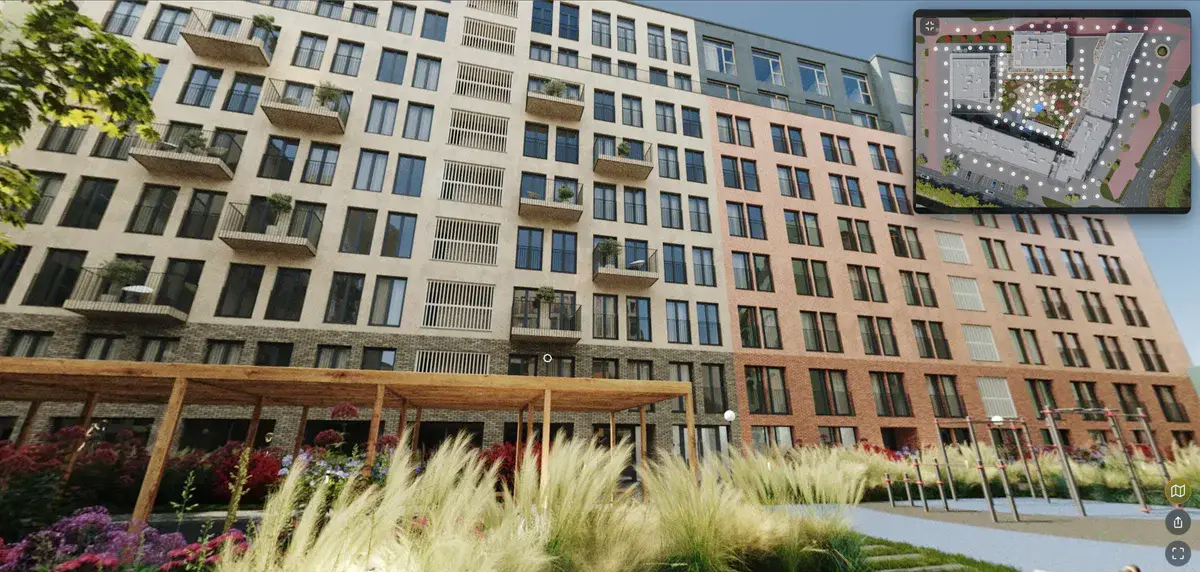
ARCHIGROUP × Marmax: a 3D tour of the Art Kvartaly residential complex, Ryazan
Perm-based architecture firm ARCHIGROUP built a 3D tour of the Art Kvartaly residential complex in Ryazan on VPano for developer Marmax. Explore the courtyard in your browser.
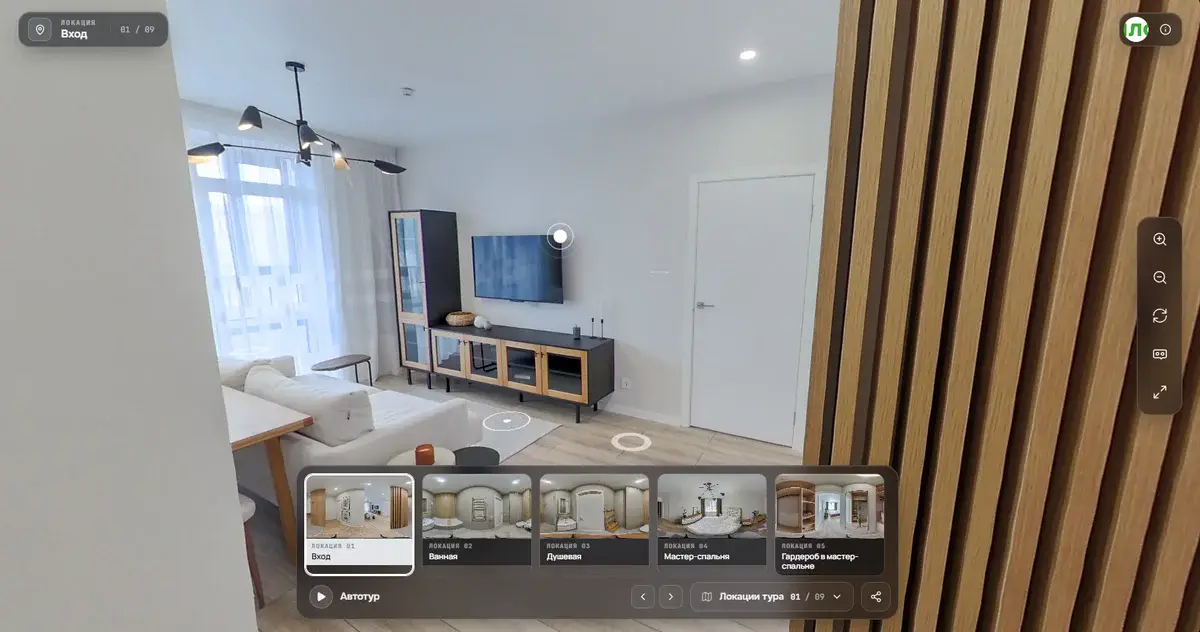
A new 360° player design and animated hotspots
Two big updates: a calmer 360° player with one glass control bar that works well on phones, and hotspots in five animated styles plus a portal-style transition between scenes.
VPano plugin for 3ds Max: export a 3D tour from your scene in one click
How to install the VPano plugin for 3ds Max, prepare cameras named pano_1, pano_2 and so on, render equirectangular panoramas and send the finished 3D tour straight from Max.
VPano plugin for Cinema 4D: a 3D tour from C4D in one click
The VPano plugin for Cinema 4D R20+ is out: build a 3D tour from your scene and spherical panoramas right inside C4D. Works with Octane, Redshift, V-Ray, Arnold and Corona.
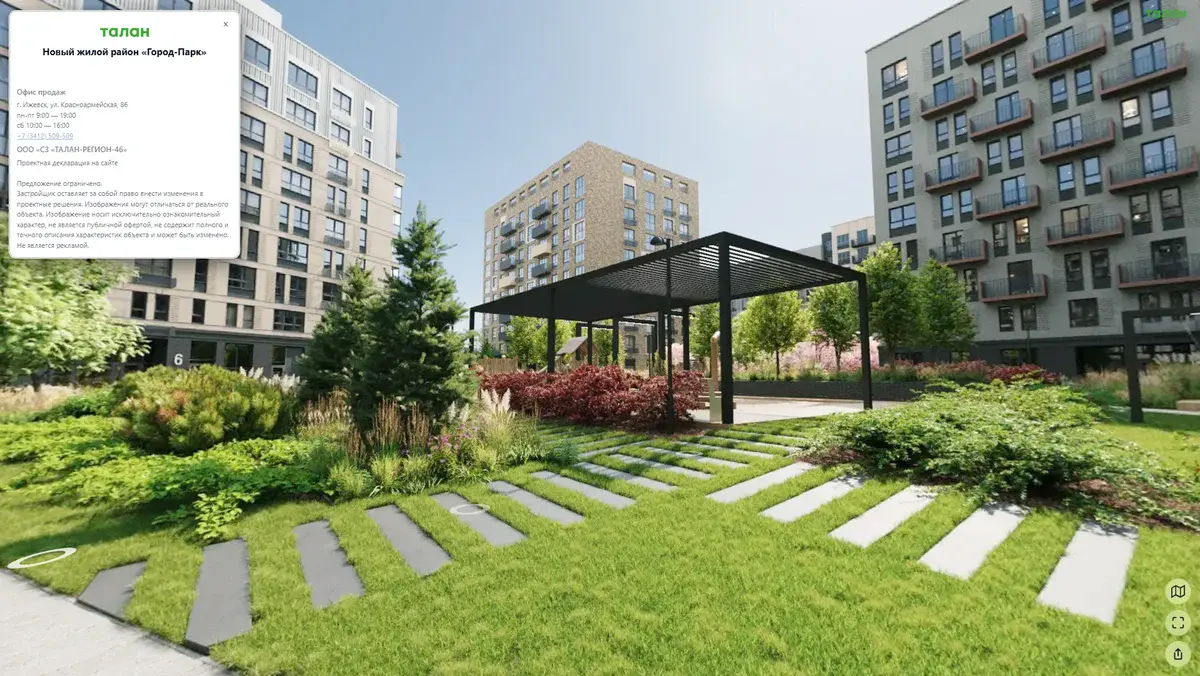
Case study: Gorod-Park courtyard tour, ARCHIGROUP × Talan
Architecture firm ARCHIGROUP builds virtual tours in VPano for its clients. Its first major project: the Gorod-Park courtyard in Izhevsk for developer Talan, made from renderings before handover.
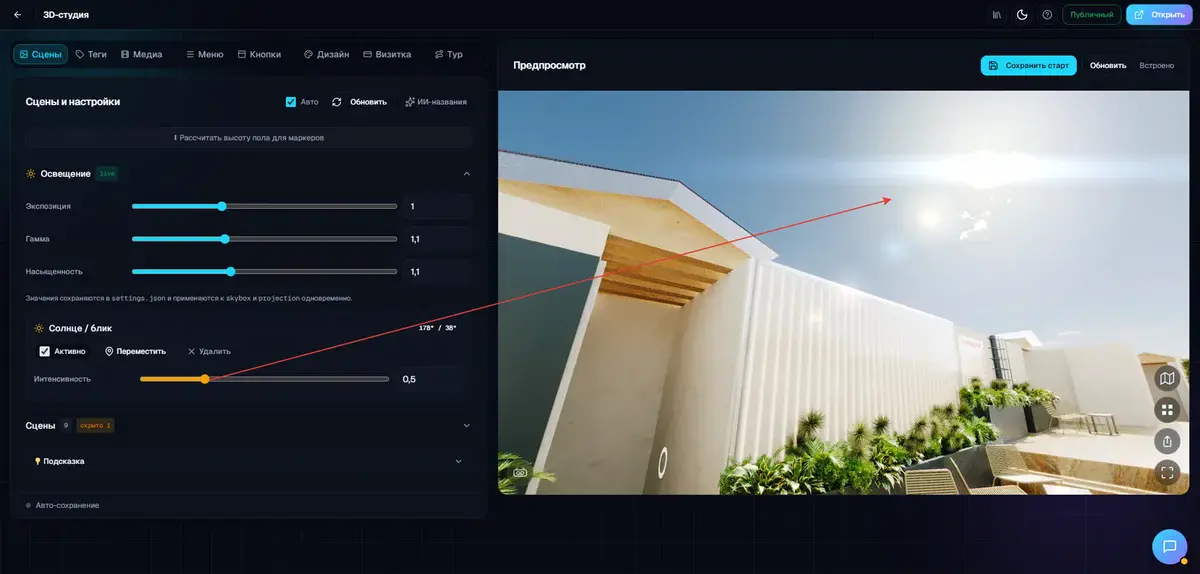
Sun in the frame: a realistic lens flare in 3D panoramas
A new effect in VPano: a realistic sun flare in the panorama viewer. Mark the sun's position once, and the disc, halo, streak and colored ghosts appear exactly when the viewer looks toward the sun.
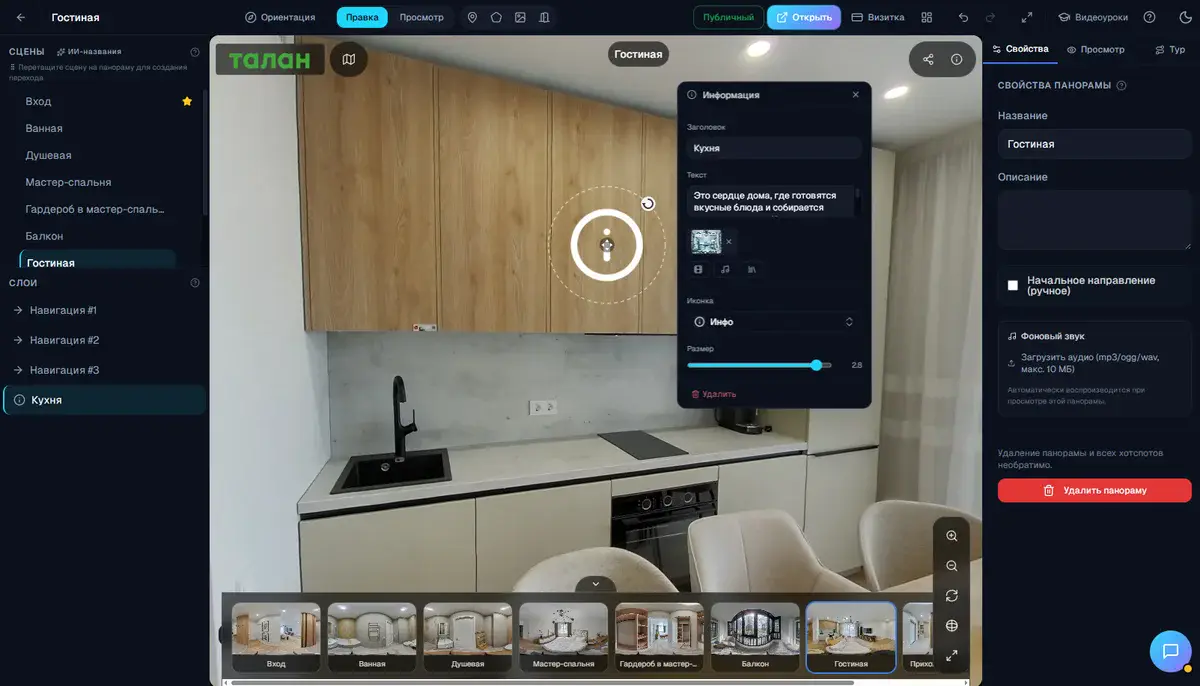
Creating hotspots: 2–3 clicks instead of seven
We completely reworked how hotspots are created in the VPano panorama editor. Double-click and the hotspot is ready. Here is what changed and why it saves you time on every tour.
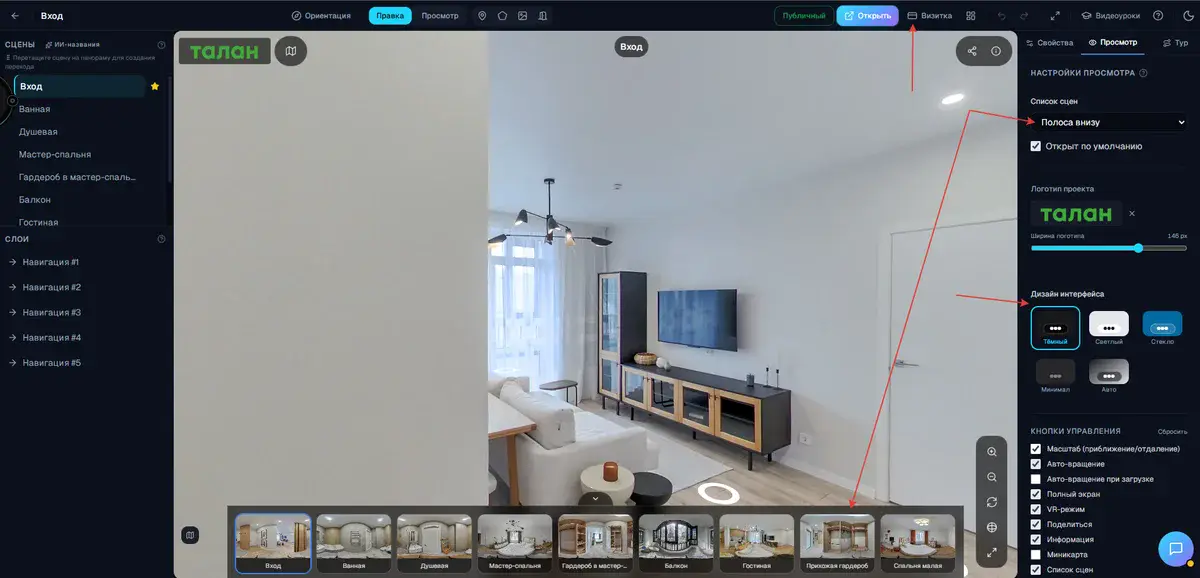
A new look for your tours: business card, themes and an automatic guided tour
Your company's business card inside the tour, five interface themes, a logo with adjustable size, a redesigned scene panel and a button that takes visitors on a guided tour.
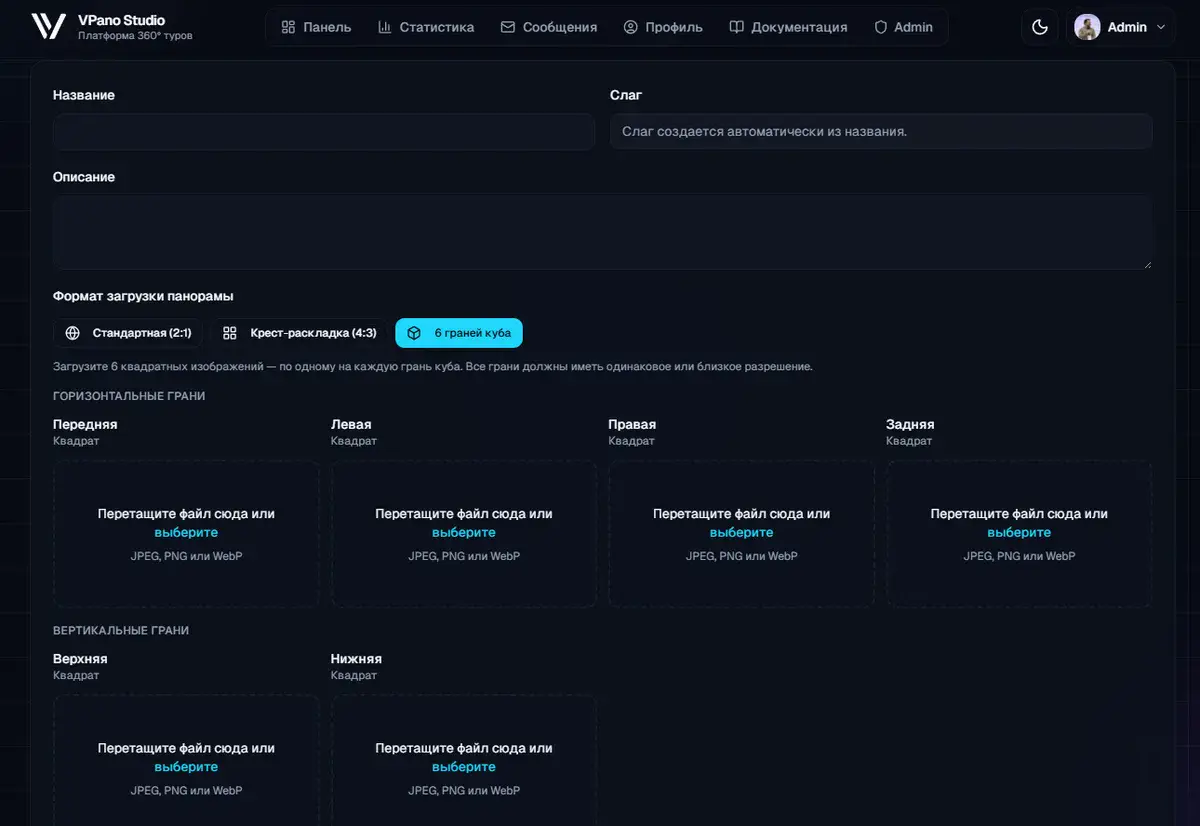
Upload cubemap panoramas from PTGui, Hugin, Insta360 and more
Stitch in PTGui, Hugin, Insta360 Studio or other professional software? Upload the cubemap directly, as a cross layout or as six separate faces, with no manual conversion.
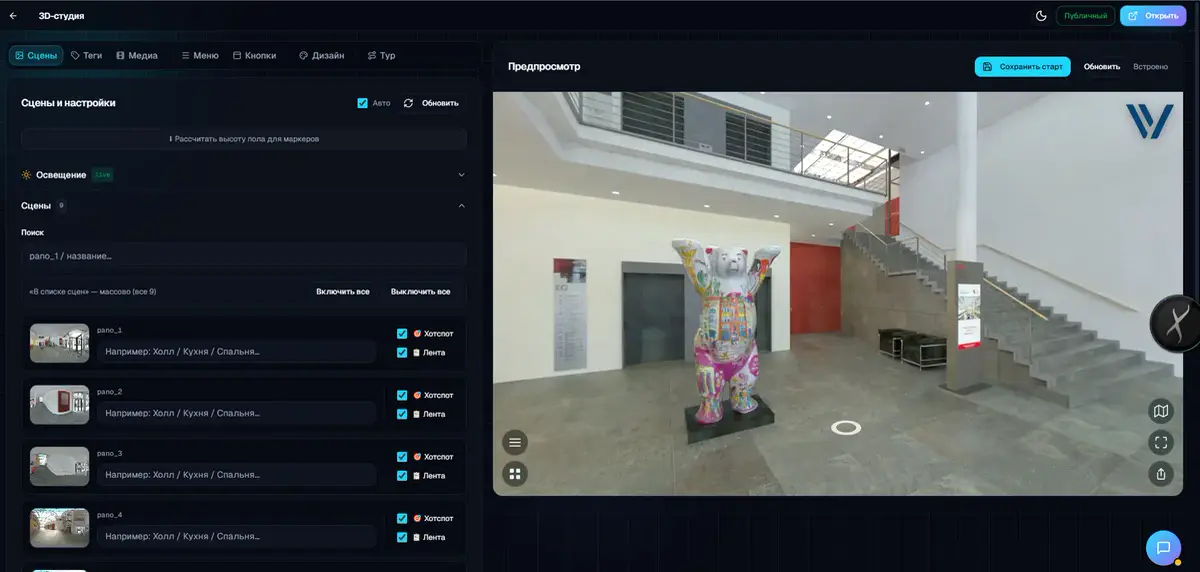
Interactive 3D walkthrough from your own 3D scene: presenting interiors interactively
Already have an interior or architectural scene in 3D? Here is how to turn it into an interactive 3D tour with panoramas, viewpoints and smooth transitions, without changing your workflow.
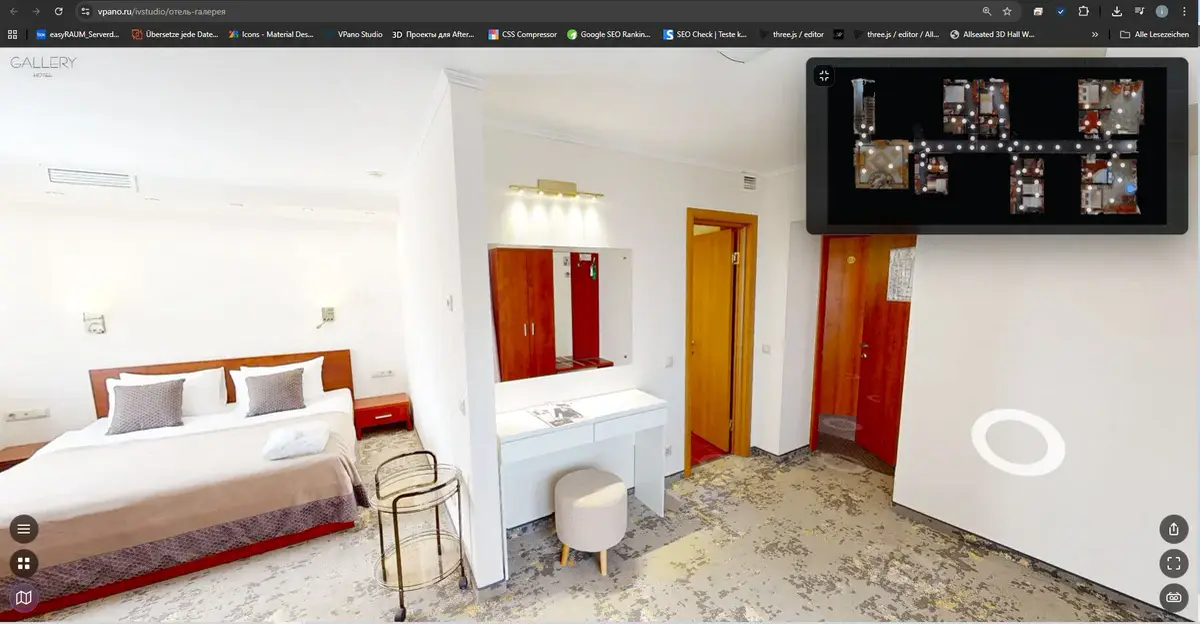
3D tour vs. panorama tour: what is the difference?
"Virtual tour" can mean three very different products. We compare panorama tours, real-time 3D scenes and 3D tours with photorealistic panoramas, and when each one works best.
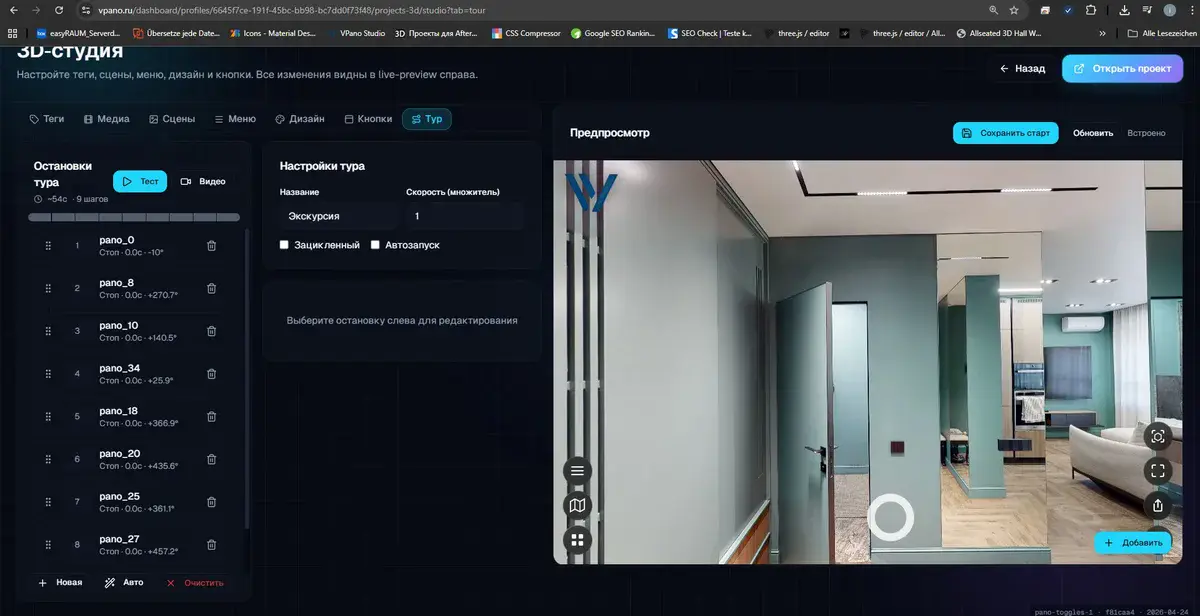
Host your virtual tour on your own server: ZIP export
Most people compare tour platforms on panoramas and hotspots. Yet the ability to download a finished tour as a ZIP and host it yourself often decides whether a project is truly yours.
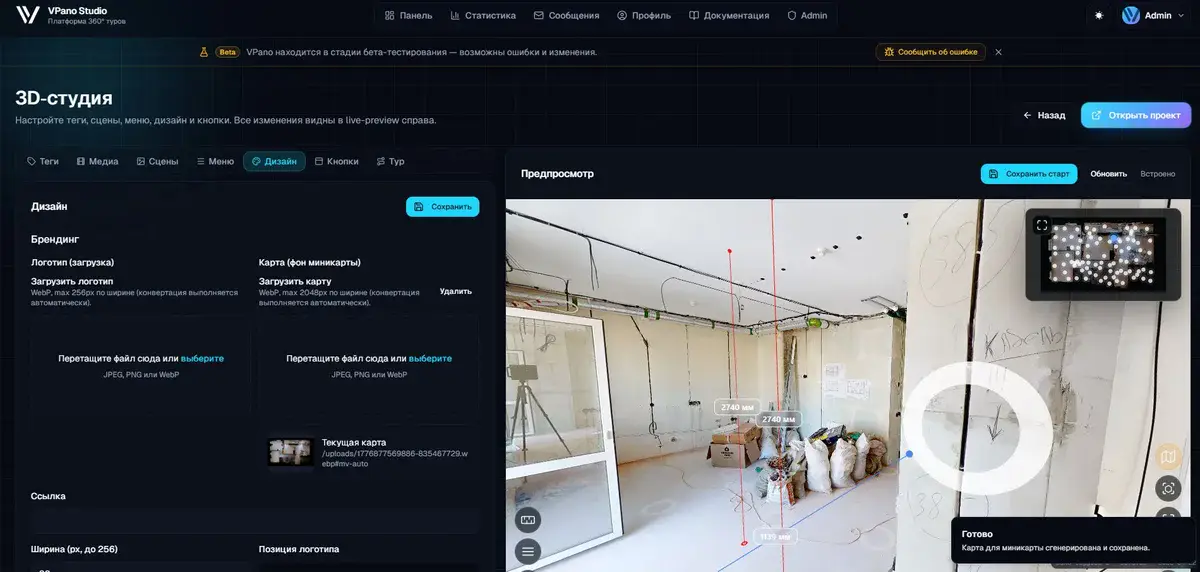
Automatic guided tours and instant transitions: a major VPano update
One click builds a complete guided tour through every viewpoint, and transitions between panoramas now start instantly thanks to smart preloading and caching.
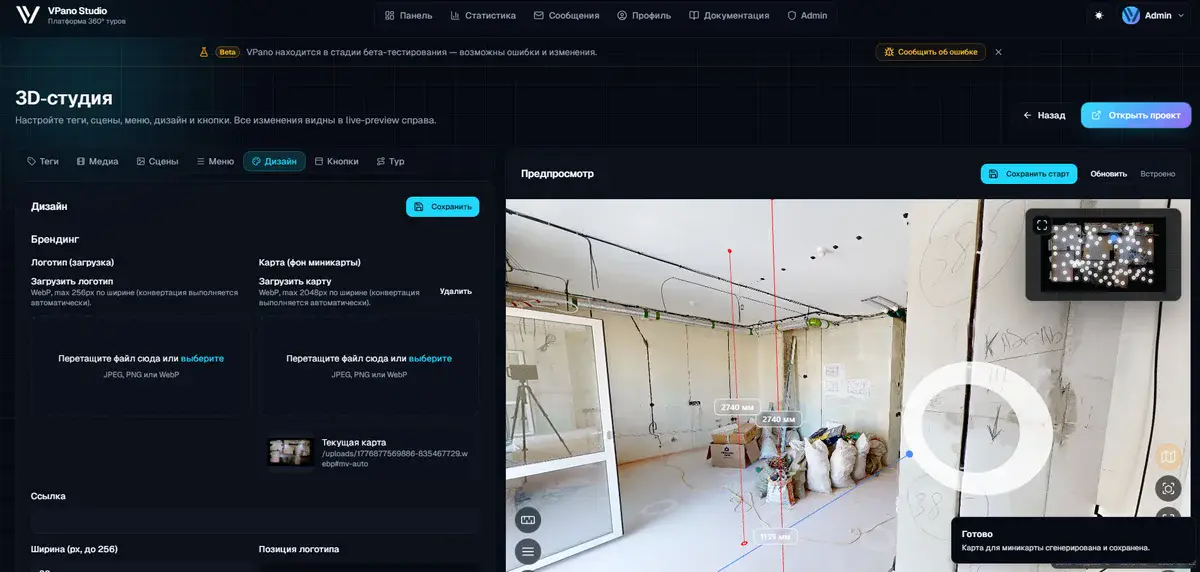
Measure distances right inside a 3D tour: a new VPano tool
Pick two points and see the distance in meters, measured on the tour's 3D model. Also new: a professionally scanned demo property created by the V-Live team.