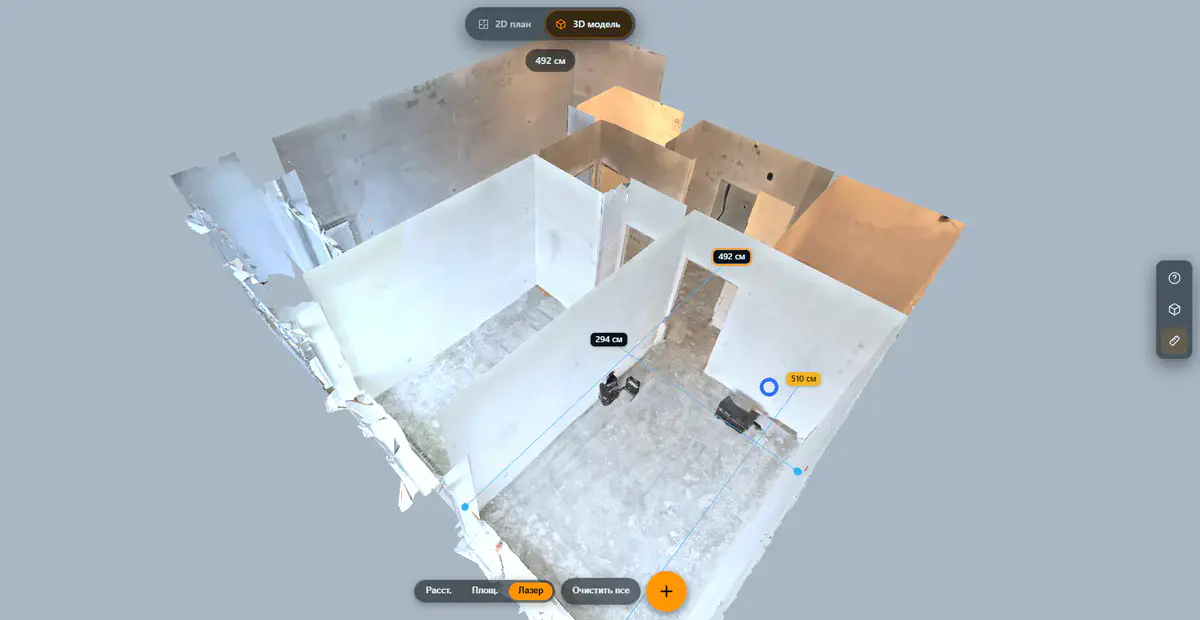
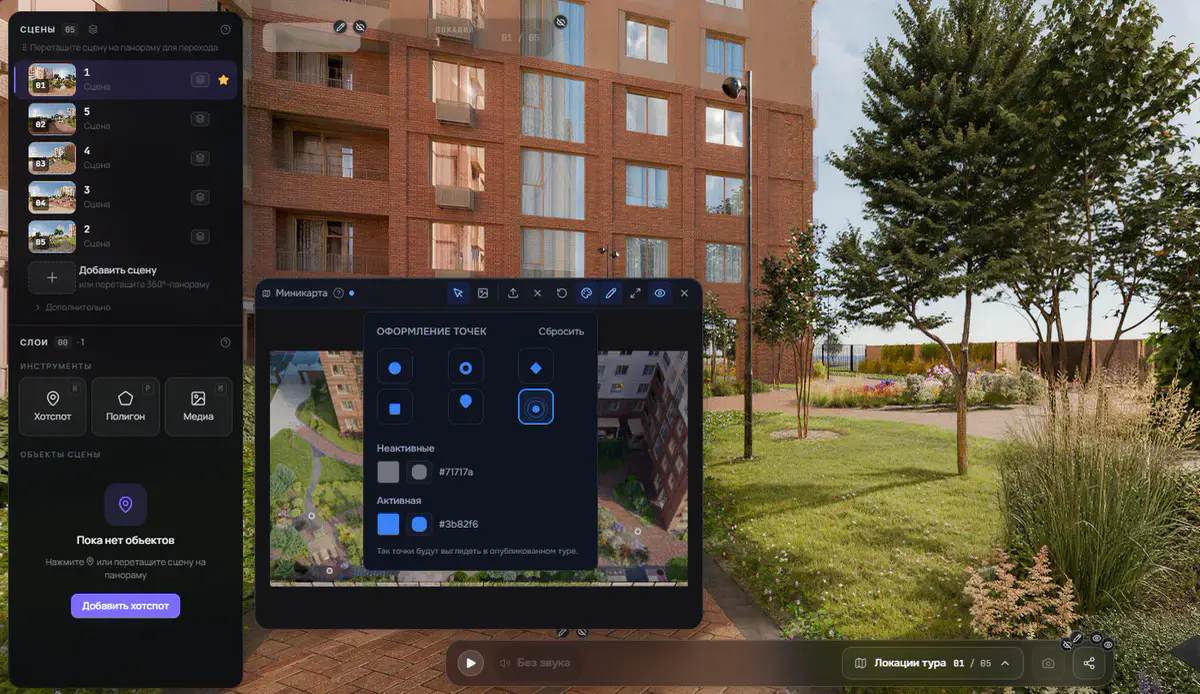
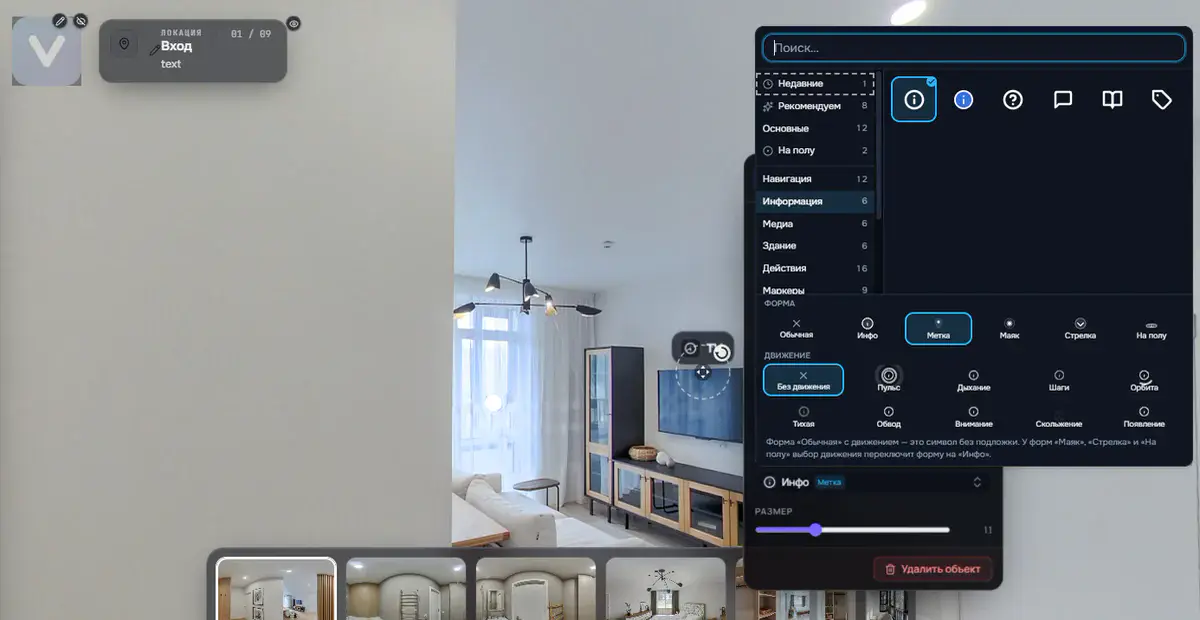
Your tour in your client's language: English, German or Russian
Your properties are viewed by people all over the world: a buyer looking for a second home, an investor abroad, a partner at an international trade fair. They all open the same link, and they should all see a player interface they can read.
Now that takes one setting: you choose the language of the tour interface. English, German and Russian are available.
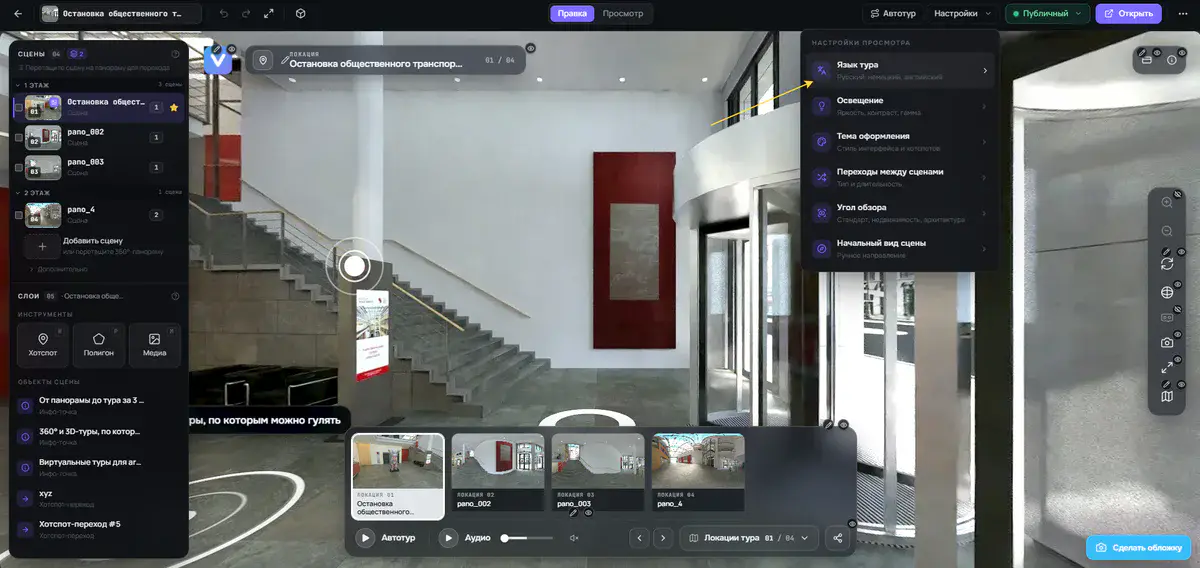
Where to set the language
Both tour formats have the setting:
- 360° panorama tour: in the panorama editor under Viewing settings → Tour language;
- 3D tour: in the 3D studio, Design tab → Language of the tour.
The language is set once for the whole project. After publishing, visitors see the tour in that language straight away, with nothing extra to click.
What gets translated
The selected language applies to all of the player's built-in elements, everything visitors see that you did not write yourself:
- buttons and tooltips;
- the Share dialog and the QR code;
- the floor switcher;
- the measuring tool;
- the loading screen;
- error messages.
The tour page itself follows along: the title and description that appear when the link is shared in a messenger or on social media, or shown in search results. A German client receives a link with a German title.
A link in another language, without changing settings
Sometimes you want to show the same tour in a different language without touching the project setting. Just add ?lang=de to the tour address and it opens in German. ?lang=en and ?lang=ru work the same way (the short form ?l= works too).
That is useful in two situations: quickly checking how the translation looks, and sending a client a personal link in their language while the main tour stays in another one.
To be clear: what is not translated
We do not want to raise false expectations. Your own text stays exactly as you entered it. There is no automatic translation of content.
Visitors see what you wrote:
- scene and viewpoint names;
- hotspot texts and descriptions;
- tour menu items;
- tags.
If you need a tour that is entirely in German, enter these labels in German yourself. The language setting covers the player interface only.
One more point: there is no language switcher inside the tour for visitors. The tour owner decides the language, either through the project setting or with a link that specifies it.
Who it is for
Real estate agents: a buyer from abroad gets an interface they understand and does not give up at the first button they cannot read.
Developers: resort and second-home projects, cross-border sales, international investors: a tour in the client's language looks like a well thought-out product.
Photographers and studios: an extra argument with international clients. The same property can be delivered as two links, for example in English and in German.
Trade fairs and presentations: at a booth with an international audience, open the link in the right language and the interface is clear to every visitor.
Try it now
The setting is already available in every project. Open a tour, find Tour language, choose a language and publish. You can check the result right away by adding ?lang=en to the link.
No account yet? Sign up and build your first tour. We look forward to your feedback.
Try it with your own project
Create a free account and build your first tour — paid plans are set up on request.
Create a free account →