Interactive 3D walkthrough from your own 3D scene: presenting interiors interactively
Many designers and visualization artists want the effect of a modern, interactive 3D walkthrough of an interior, but are not sure whether they can get it from their own 3D scene. The good news: they can. If you already have a project built in a 3D application, you can prepare it for an interactive presentation with panoramas, viewpoints and navigation through the space, without changing the way you work.
Can you build an interactive 3D tour from your own 3D scene?
Yes. If you have a finished 3D model of an interior or an architectural space, it can serve as the basis of an interactive tour.
Typically you prepare:
- the 3D model of the scene
- panoramas rendered from the right positions
- viewpoints that connect those positions
- the navigation structure of the tour
The result is a presentation in which the viewer explores the space far more clearly than by looking at still images.
Who this format is for
It is especially interesting if you:
- work in architectural visualization
- design interiors for clients
- prepare real estate presentations
- want to show your clients a project in a more modern way
If you already create visualizations in your application of choice, there is no need to give it up. What matters far more is preparing the scene properly for an interactive presentation.
The main advantage of this approach
You work with your own 3D scene. That means you keep control over quality, detail, visual style and the overall look of the project.
This approach lets you:
- stay in the 3D application you know
- reuse a scene you have already built
- create an interactive presentation of the space
- prepare a tour for your client without rebuilding the project from scratch
It is particularly convenient for designers, visualization artists and studios who already work with interiors in 3D and want to add an interactive format.
What you need to build the tour
Watch the video on Rutube (Russian narration)
Building a 3D tour from your own scene takes two main ingredients.
A prepared 3D model
The scene needs to be cleaned up and adapted for presentation. That includes:
- removing unnecessary geometry
- lightening the model
- checking the scene structure
- preparing the objects correctly
- exporting to a format VPano accepts: FBX or GLB/GLTF
If the model is too heavy, it can affect loading speed and how the tour feels.
Panoramas
Panoramas are rendered from chosen positions inside the scene and let the viewer look all around. They are what creates the sense of being in the space.
Make sure the panoramas are:
- rendered from well-chosen positions
- taken at a natural eye-level camera height
- high in image quality
- logically connected to each other
If you work in 3ds Max or Cinema 4D, the VPano plugin does much of this for you: it packages the model, camera positions and panoramas and uploads them to your account.
How the tour is built
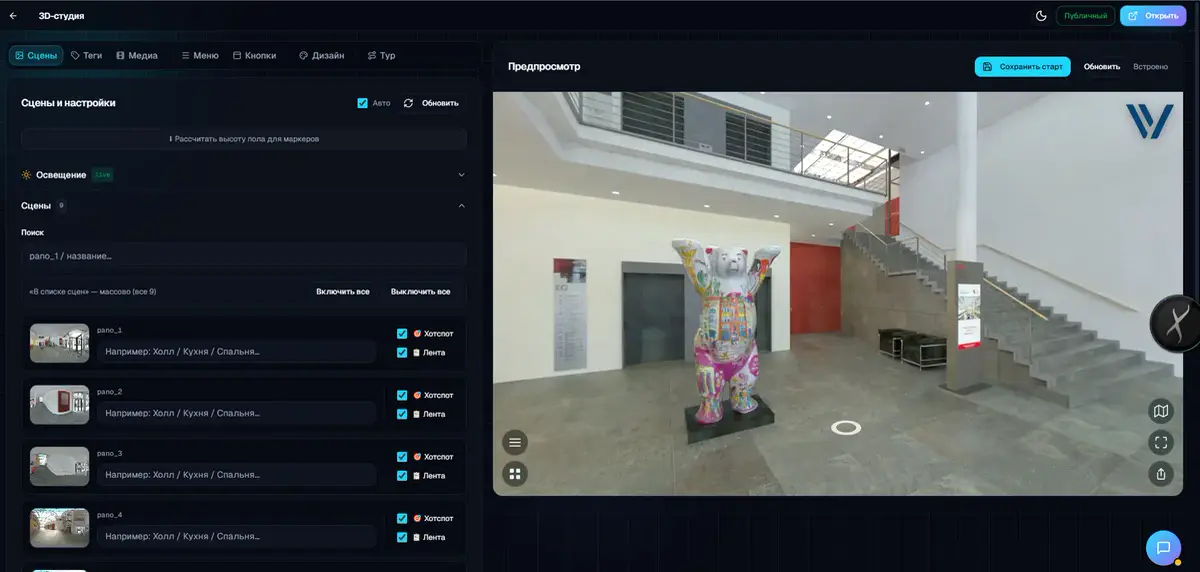
Once the model and panoramas are ready, you can assemble the tour.
The process usually looks like this:
Watch the video on Rutube (Russian narration)
- Prepare the 3D scene
- Render the panoramas
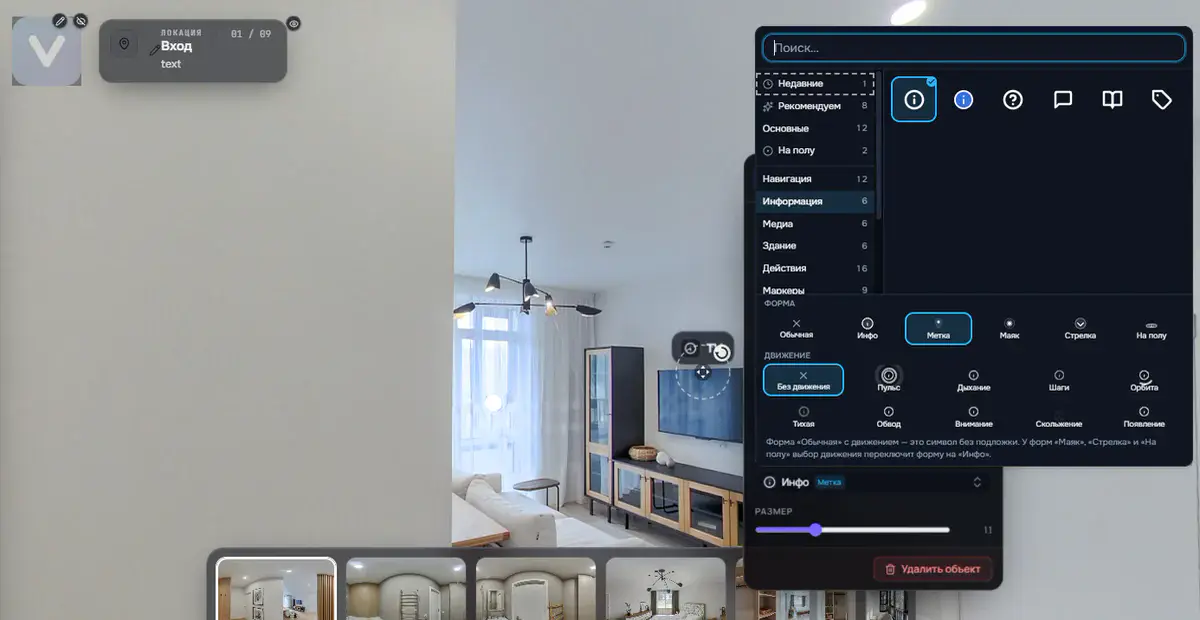
- Place the viewpoints
- Set up the navigation between them
- Build an interactive route through the property
The viewer gets more than a set of images: a clear way to explore the interior, moving from viewpoint to viewpoint with a smooth transition through the 3D space.
How this differs from a single panorama
A single panorama shows the space from one point only. That can be enough for a first impression, but not always for a real understanding of the property.
A 3D tour gives you more:
- several viewpoints
- smooth transitions between them through the 3D model
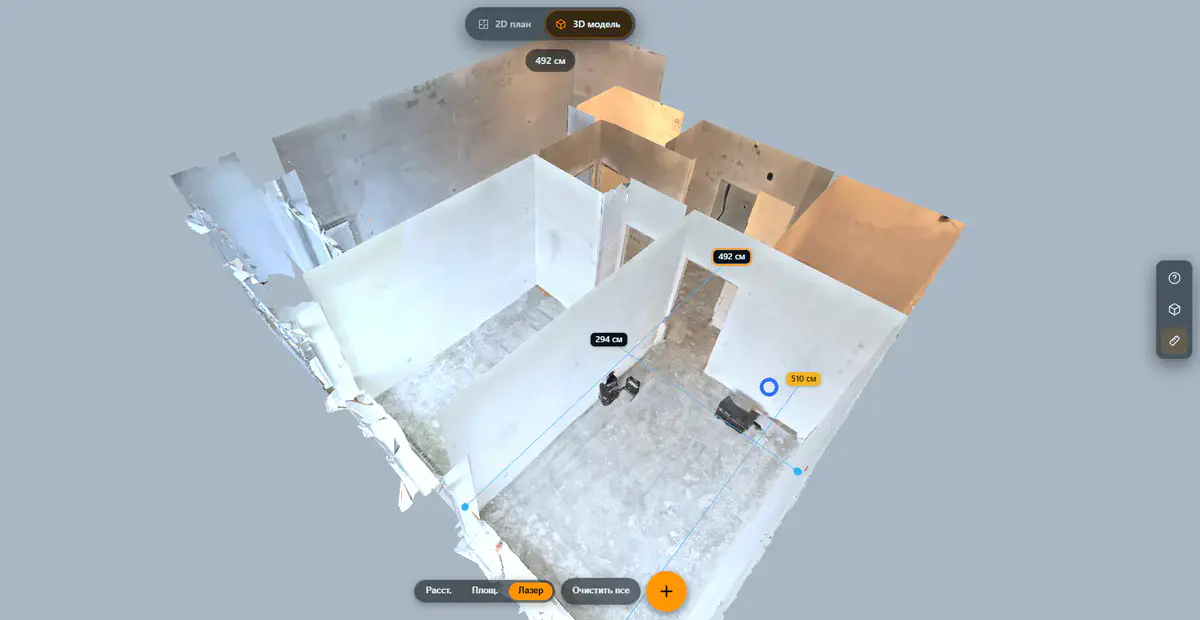
- an exterior view of the whole model, which you can rotate
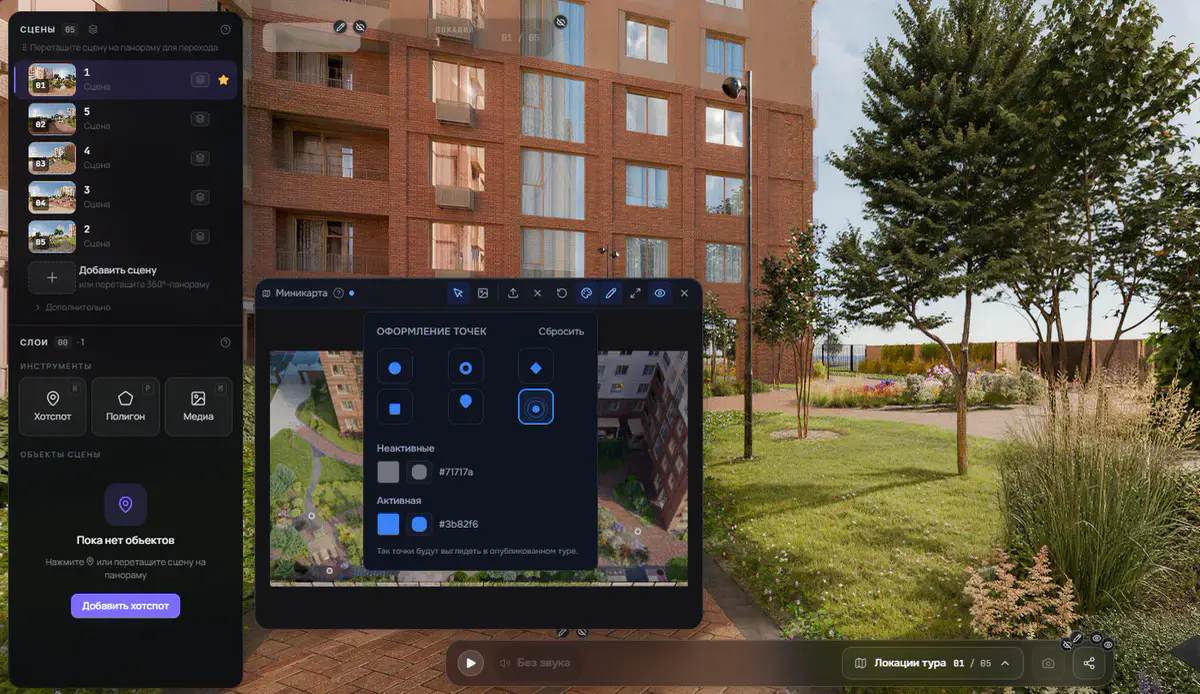
- floors and a mini-map for orientation
- a much better sense of volume and layout
That is why the format feels more modern and easier to use.
Why clients respond to this format
When people choose an interior design, a property or an architectural project, beautiful images are not enough. They need to understand the space itself.
An interactive tour helps them:
- get a better feel for scale
- understand the logic of the layout
- see how rooms connect
- spend more time with the project
- come away with a stronger impression of the presentation
For your business, that means a more convincing pitch; for your client, a clearer and more comfortable viewing experience.
Can you use any 3D application?
Practically, yes. If your application can prepare the scene, render spherical panoramas and export the model as FBX or GLB/GLTF, that is enough.
So the approach works whichever tools you use. What matters is not the name of the software but careful scene preparation and a well-built tour.
Where this format is most useful
A tour built from your own 3D scene works especially well for:
- presenting apartments and houses
- interior design projects
- office presentations
- commercial spaces
- residential developments
- online presentations for clients
It is particularly handy when you need to present a project remotely, quickly and clearly.
Summary
If you are looking for a way to build an interactive 3D tour from your own 3D scene, it is entirely possible. You do not need to give up your 3D application or change your whole workflow. Prepare the model, render the panoramas, place the viewpoints and set up clear navigation.
The result is a modern, interactive way of presenting space that helps people picture an interior, an architectural project or a property.
If your goal is to show a project not just beautifully but clearly, a 3D tour built from your own scene is a strong, practical choice. Create an account and try it with one of your scenes.
Frequently asked questions
Can I build an interactive 3D tour from my own 3D scene?
Yes. With a prepared 3D model and panoramas, you can assemble an interactive tour from them.
Does any 3D application work?
Any application that can prepare the scene, render spherical panoramas and export FBX or GLB/GLTF. For 3ds Max and Cinema 4D there are dedicated VPano plugins.
What does a tour offer over regular renderings?
Instead of only looking at images, the viewer moves between viewpoints through the space and can view the whole model from outside, which makes the presentation clearer and more modern.
Who benefits most?
Visualization artists, interior designers, architects, real estate agencies and anyone who wants to present projects more clearly.
Try it with your own project
Create a free account and build your first tour — paid plans are set up on request.
Create a free account →